
Schedule collection
Choose who reports, how often and which target the request uses.
Open Recurrence Configuration → 1 - Create Collection Schedule (intake). For numeric KPI collection, prepare a target first.
Describe the request
In Step 1 - Define the collection request, fill Name and Description. Explain what the member should report. Link Procedure if there are instructions to follow.
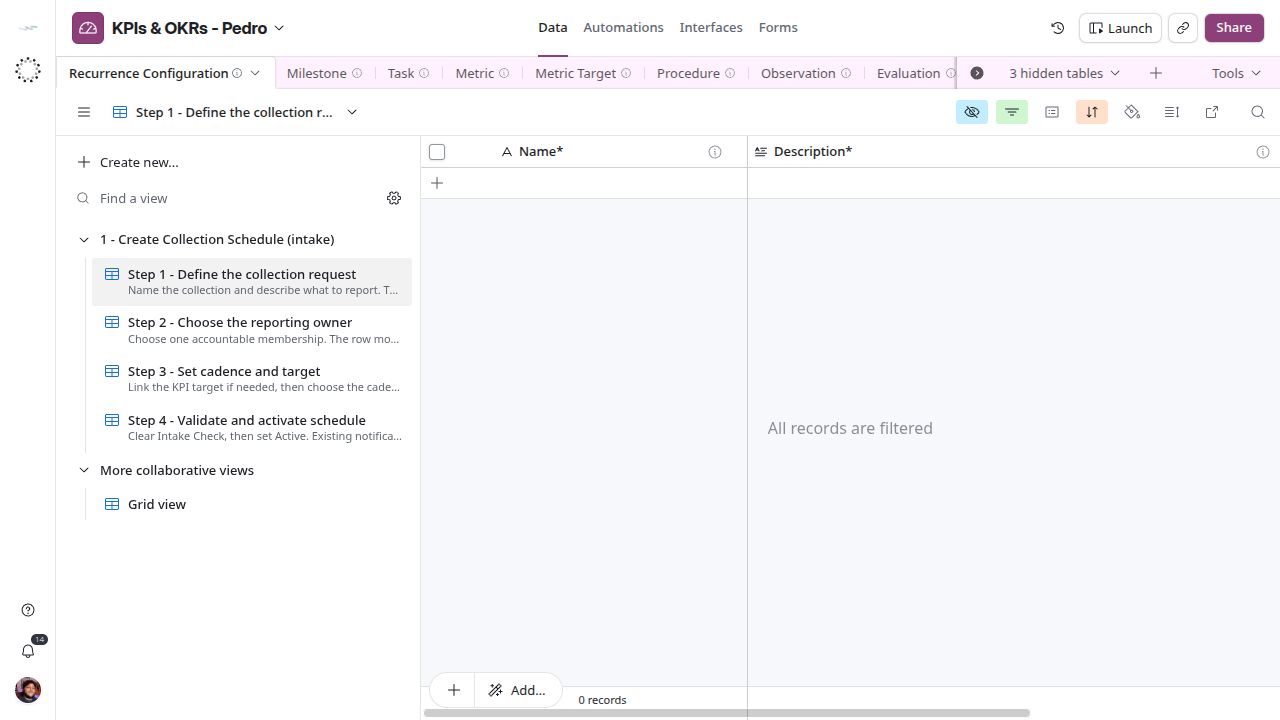
Describe the requested response in the words the reporting member will understand.
Choose the owner
In Step 2 - Choose the reporting owner, select Accountable Membership. Check the organization and display name lookups so the request belongs to the intended membership.
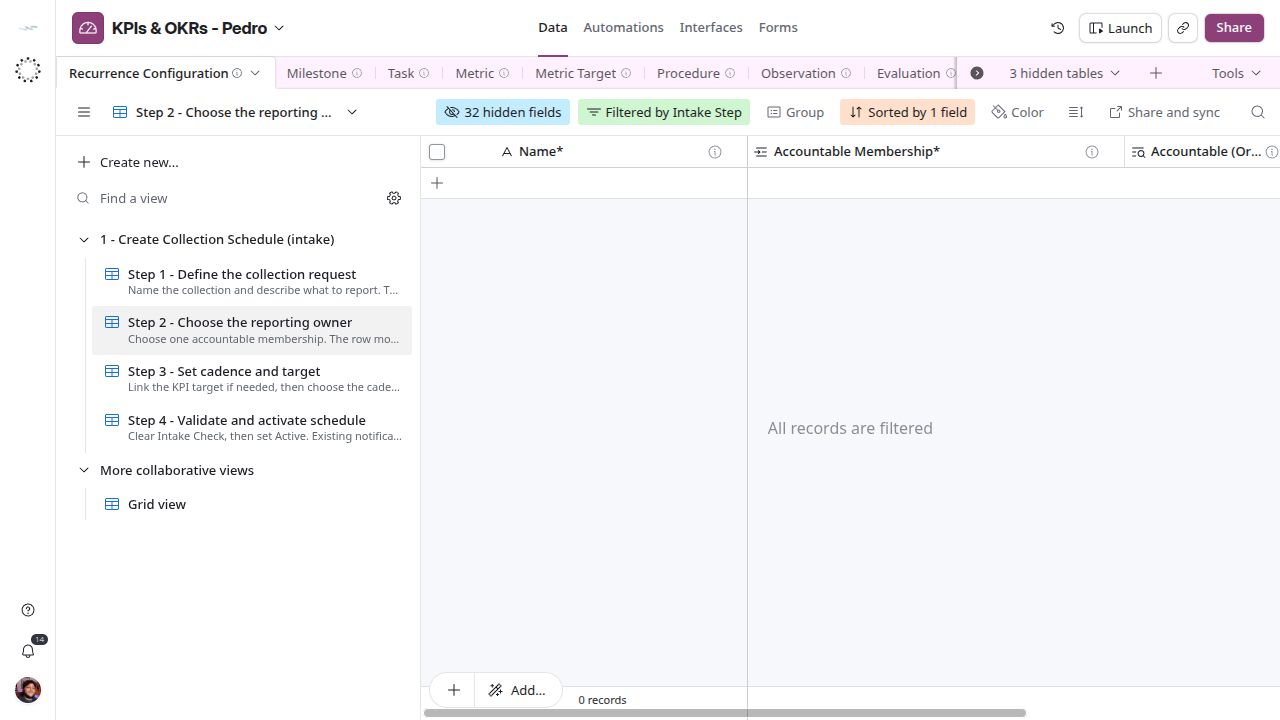
The reporting owner is a membership in an organization, not just a person by name.
Set cadence and target
In Step 3 - Set cadence and target, link Target Template and then choose Cadence. Verify the target value, direction and unit lookups. The intake permits a schedule without a target, but the current numeric reply workflow requires a target that resolves a metric. Complete that link before requesting numeric results.
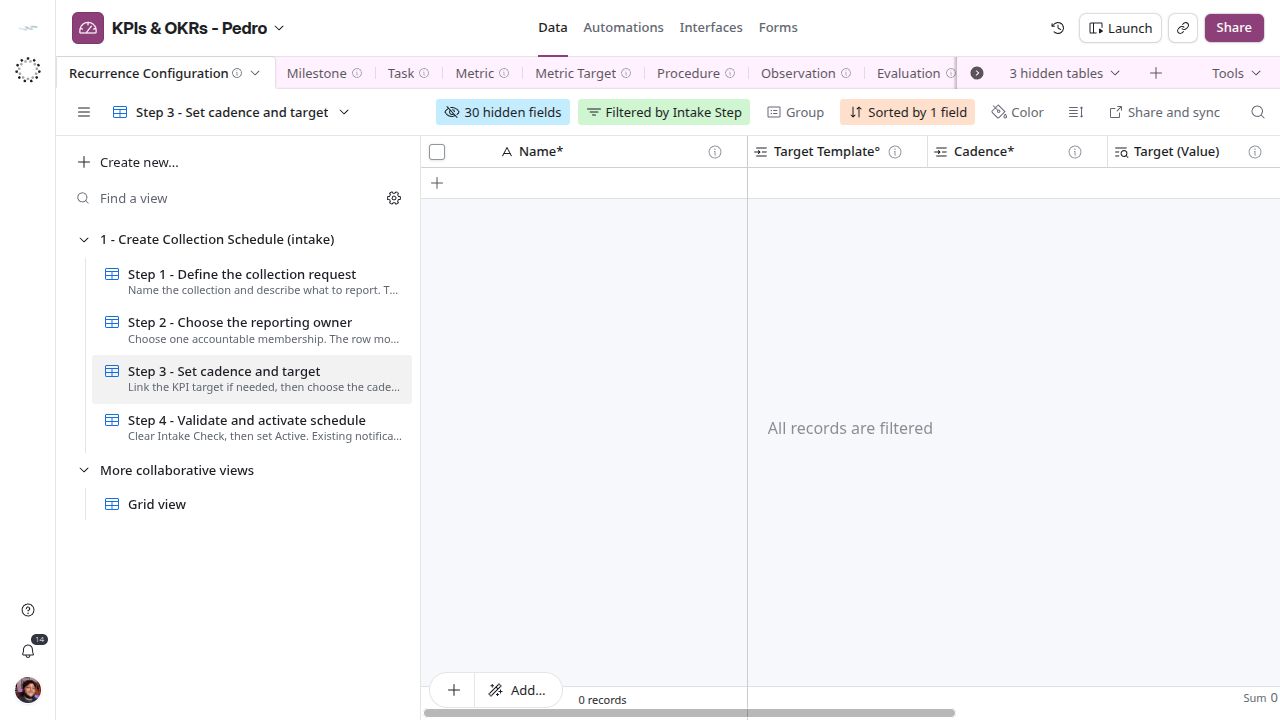
The request uses the linked target. Keep its unit and direction consistent with the metric.
Validate and activate
In Step 4 - Validate and activate schedule, resolve Intake Check and set Lifecycle Status to Active when ready. The screenshot shows a draft example that must remain excluded from reminders.
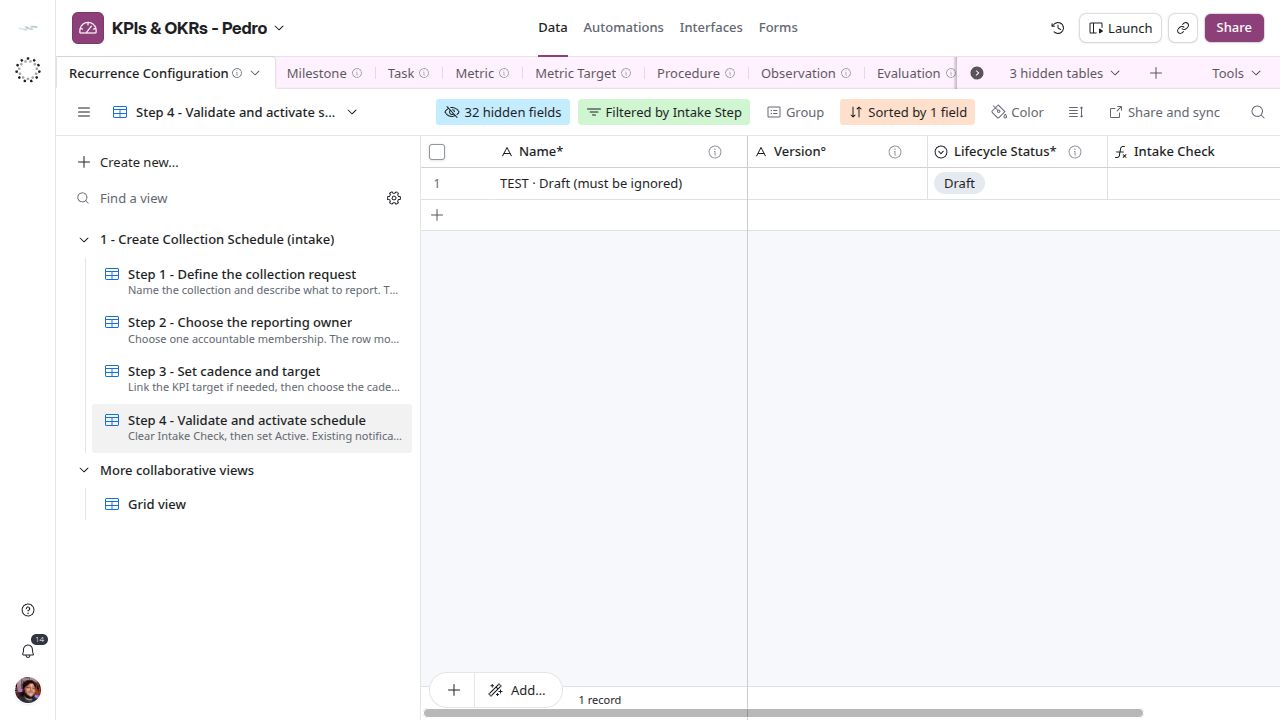
Draft is not Active. Once a schedule is Active, Daily Digest starts asking its accountable memberships on the next due day.
Daily Digest determines which active requests are due. Its due-date calculations use America/Chicago. The daily trigger is set to 09:00; confirm the n8n instance timezone before relying on the exact hour. There is no test recipient: every Active schedule is asked for real. See Automations for delivery limits; then follow Submit results.