
Define metrics
Choose the unit, direction and cadence before setting a target.
In Data, open Metric → 1 - Define KPI Metric (intake). Each step is a filtered queue. As required fields are completed, the record can leave the current view; continue in the next step rather than creating another metric.
Define the measurement
Open Step 1 - Define the metric and use Add record for a new metric. Fill Name, Unit Text and Direction. Add Formula and Data Source when applicable. The definition should let two people measure the same thing in the same way.
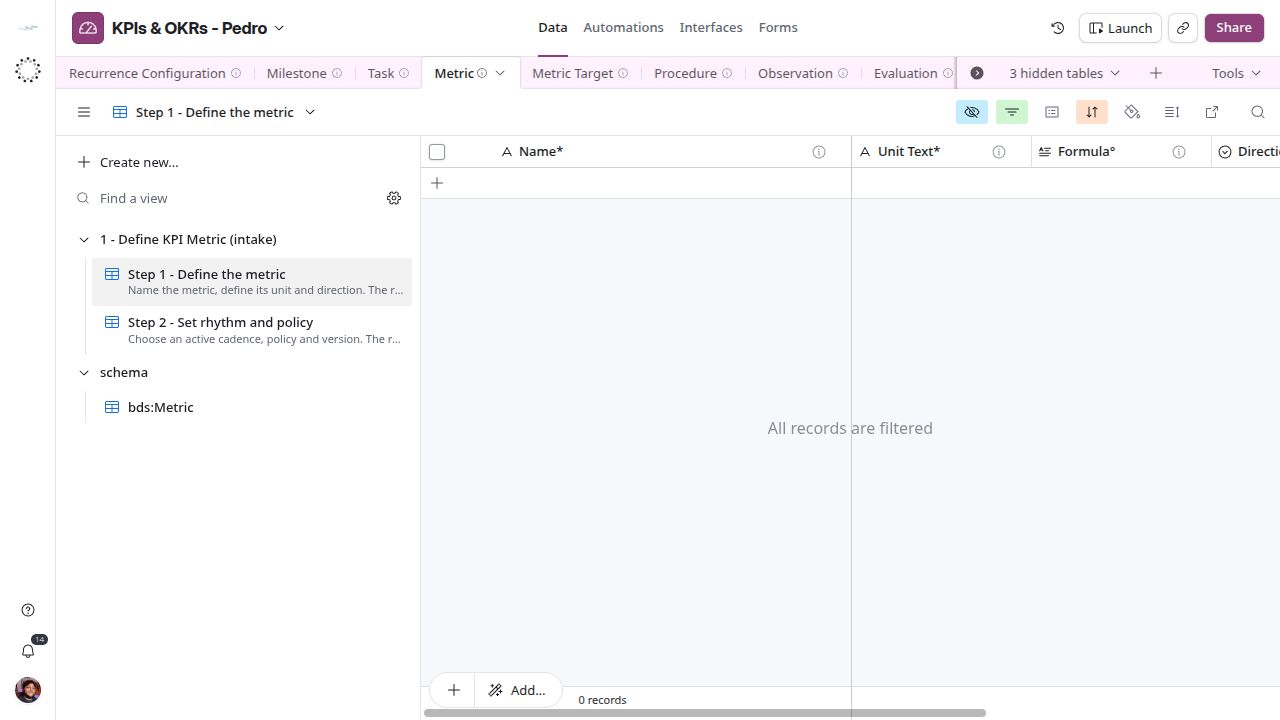
Name, unit and direction define the measurement. The empty queue is a real captured state, not a missing screenshot.
Set rhythm and policy
Open Step 2 - Set rhythm and policy. Select Cadence, fill Version, and choose the Evaluation Policy appropriate to the measurement. Review Cadence (Lifecycle Status) and Intake Check. Lookup and formula fields are outputs; correct their source fields.
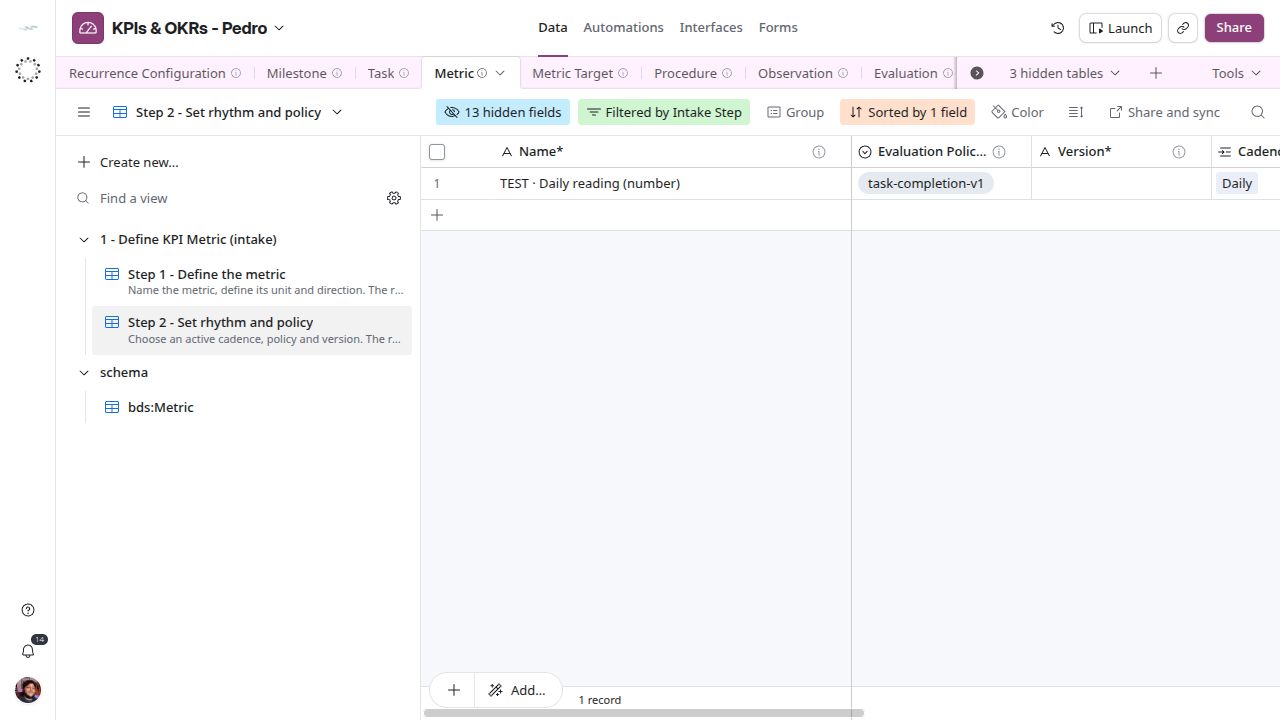
The example remains in this step while its required setup is incomplete. A policy label alone does not prove that its evaluation calculation is running.
Continue to the target
When the required settings are complete and Intake Check is clear, set the target. The target supplies the expected value, subject and period; those do not belong in the metric’s name.