
Manage tasks
Connect one KPI target to accountable work, a deadline and an objective.
The live Task view currently flags configuration errors on Accountable (Name) and Intake Check. A maintainer must repair their referenced fields before using that check as a reliable activation gate. The documented formula describes intended validation; it does not confirm that the current field evaluates successfully.
Describe and link
In Task → Step 1 - Describe and link the KPI, fill Name*, Description*, Source Kind* including KPI and exactly one Targets*. Milestone° links the intended objective. The target must already identify a metric.
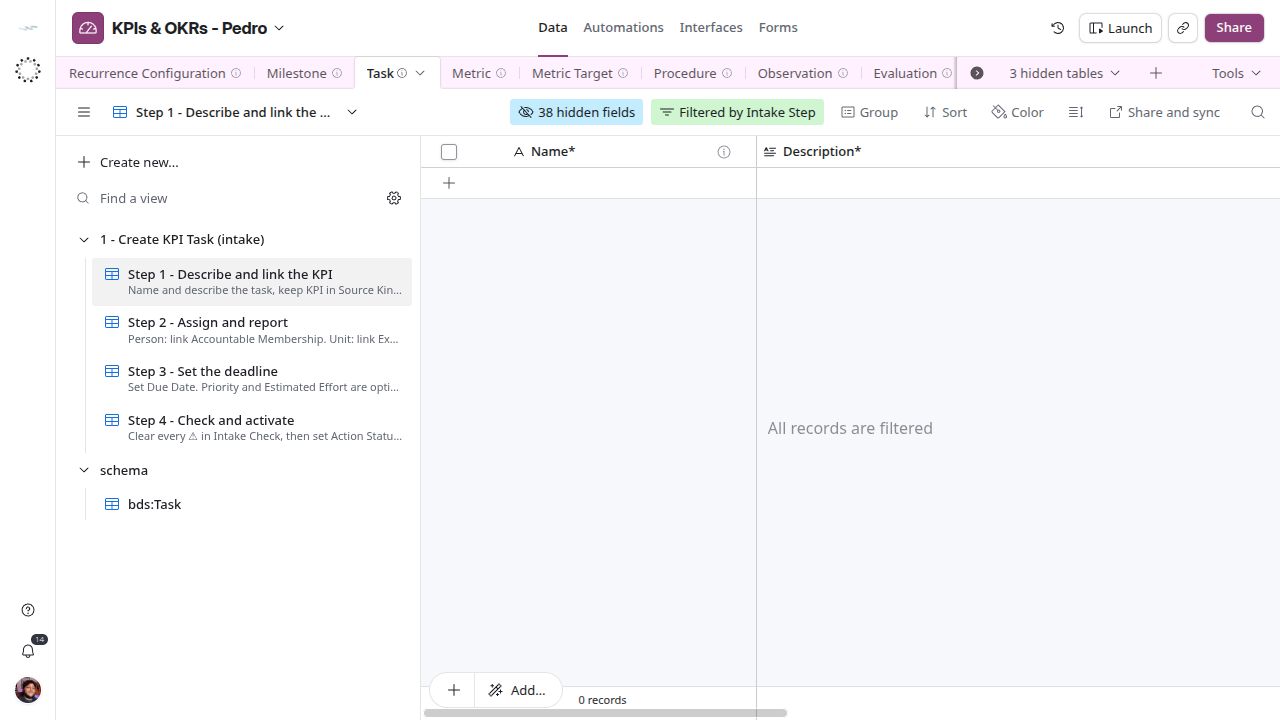
KPI task definition and target link.
Assign and schedule
Step 2 - Assign and report requires Reporting Membership*. Choose an accountable membership or an executor team or department, consistently with the target subject. Do not choose team and department together. Step 3 - Set the deadline collects Due Date* and optional priority and effort.
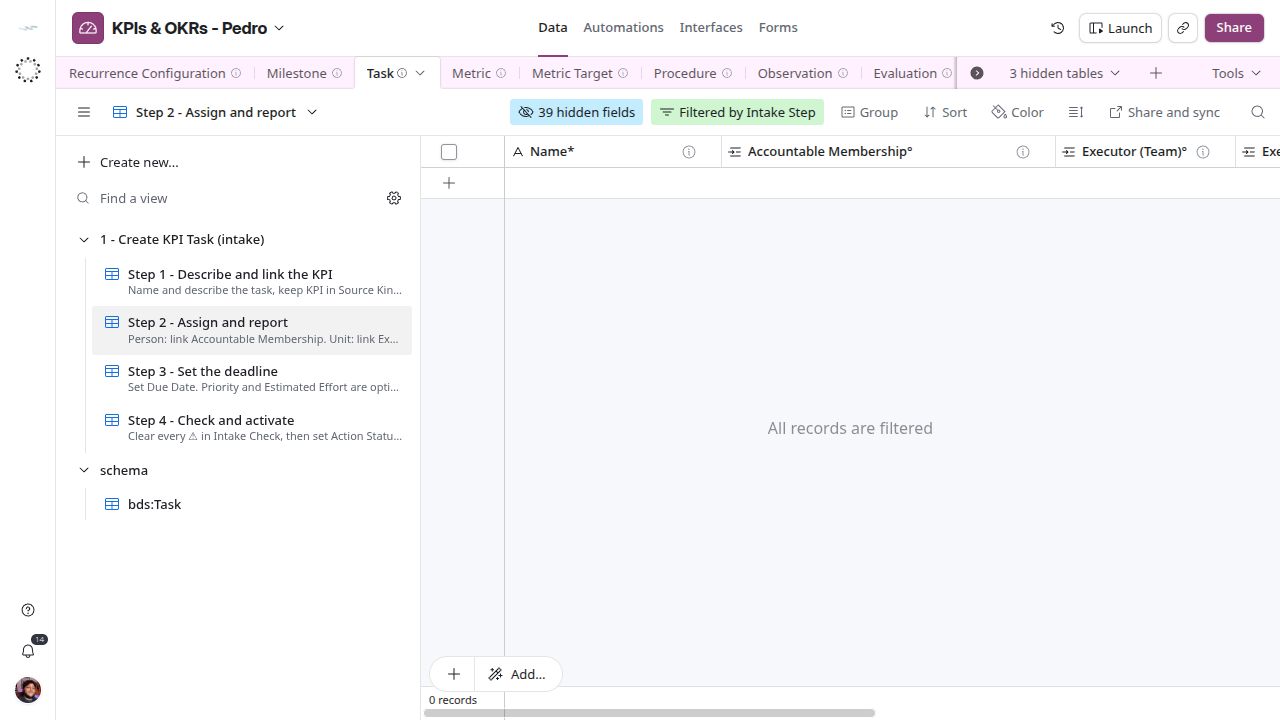
KPI task assignment and reporting.
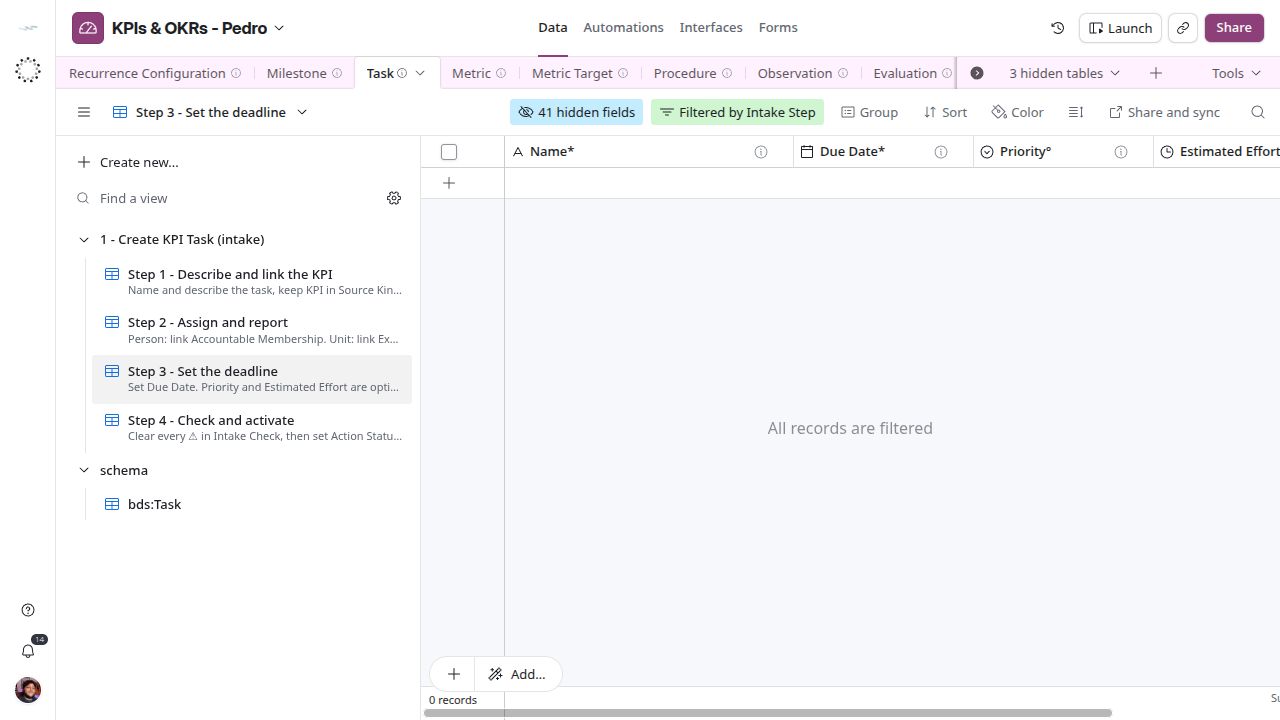
KPI task deadline.
Activate and finish
Resolve Intake Check in Step 4 - Check and activate before changing Action Status* from Potential to Active. Waiting, Completed, Failed and Cancelled describe work execution. Completing work and recording a measurement are separate operations: the current Slack flow writes Observation and updates the message, not Task.Action Status. Record completion evidence on the appropriate task and inspect Readings separately.
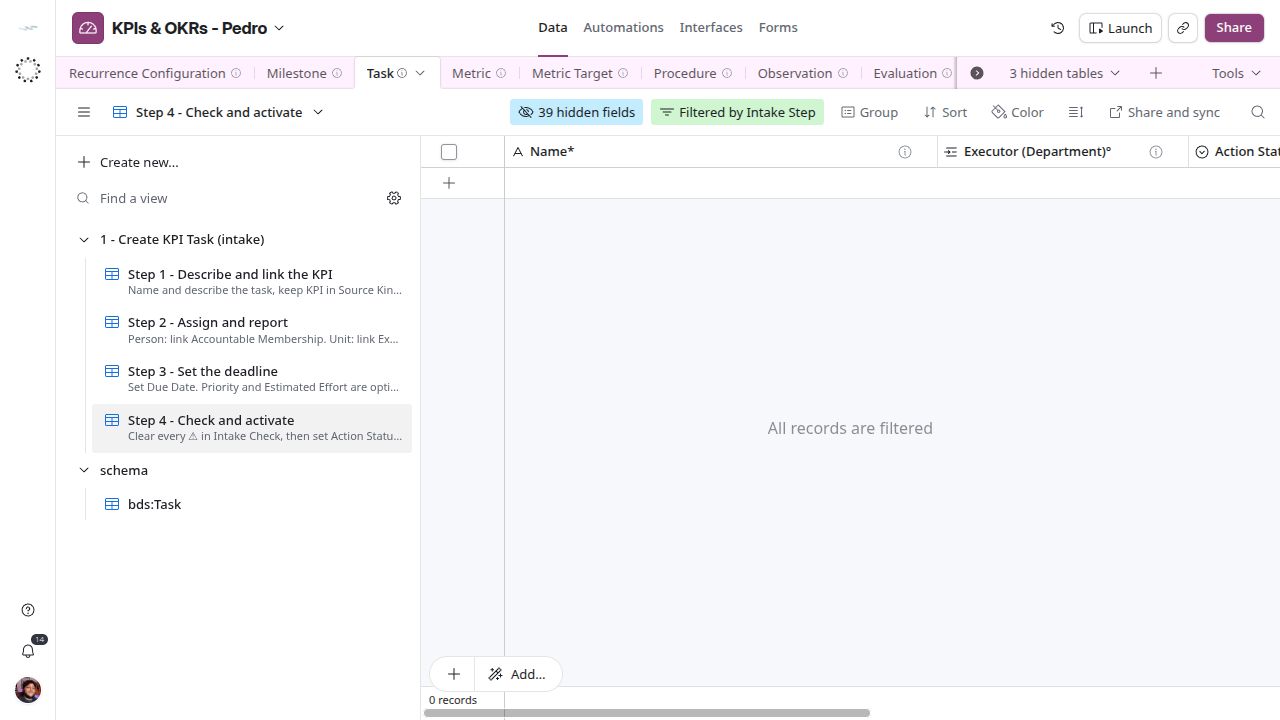
KPI task validation and activation.