
Manage objectives
Create, propose and review an outcome using Milestone and its intake views.
Define the outcome
Open Milestone → 1 - Create Milestone (intake). In Step 1 - Define the intended outcome, fill Name*, Criteria* and Description*. Describe an outcome and evidence of success, not a list of activities. The record advances when all three fields are filled.
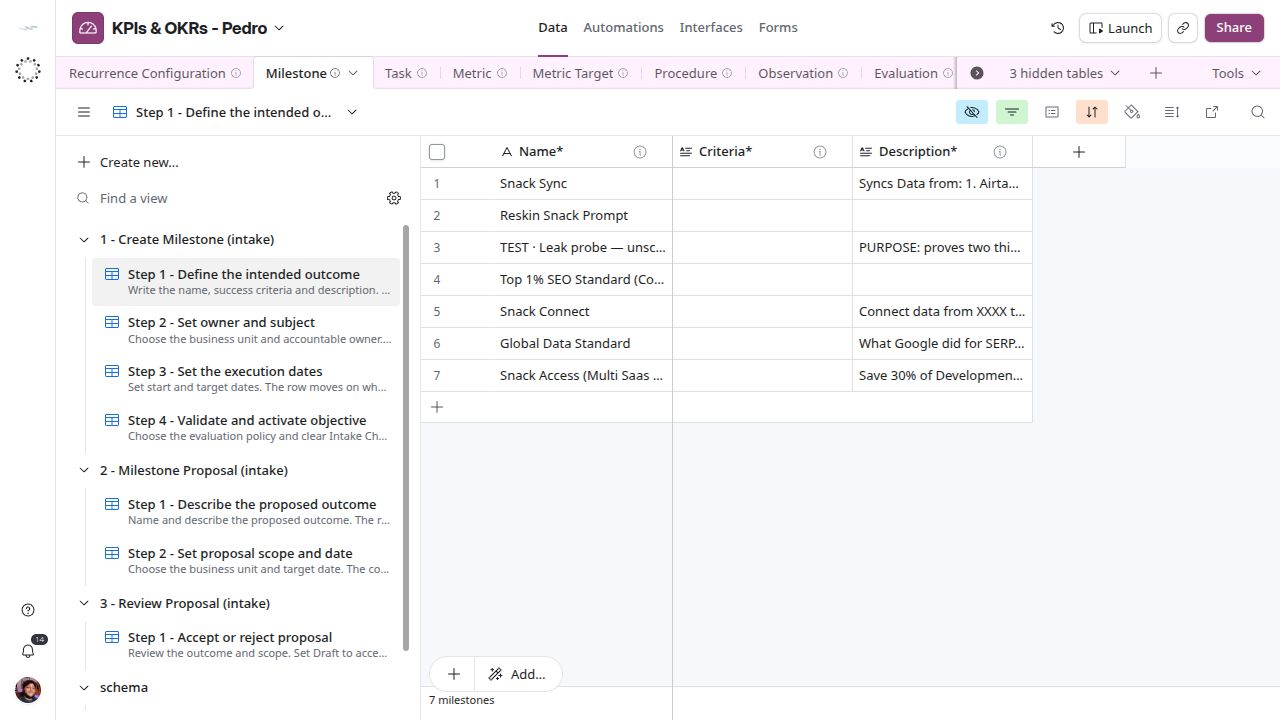
Outcome, criteria and description in the first Milestone step.
Assign scope and dates
In Step 2 - Set owner and subject, select Business Unit* and Accountable*. At most one About category should identify the subject. Accountable must belong to the business unit. In Step 3 - Set the execution dates, enter Start Date* and Target Date*, with start on or before target.
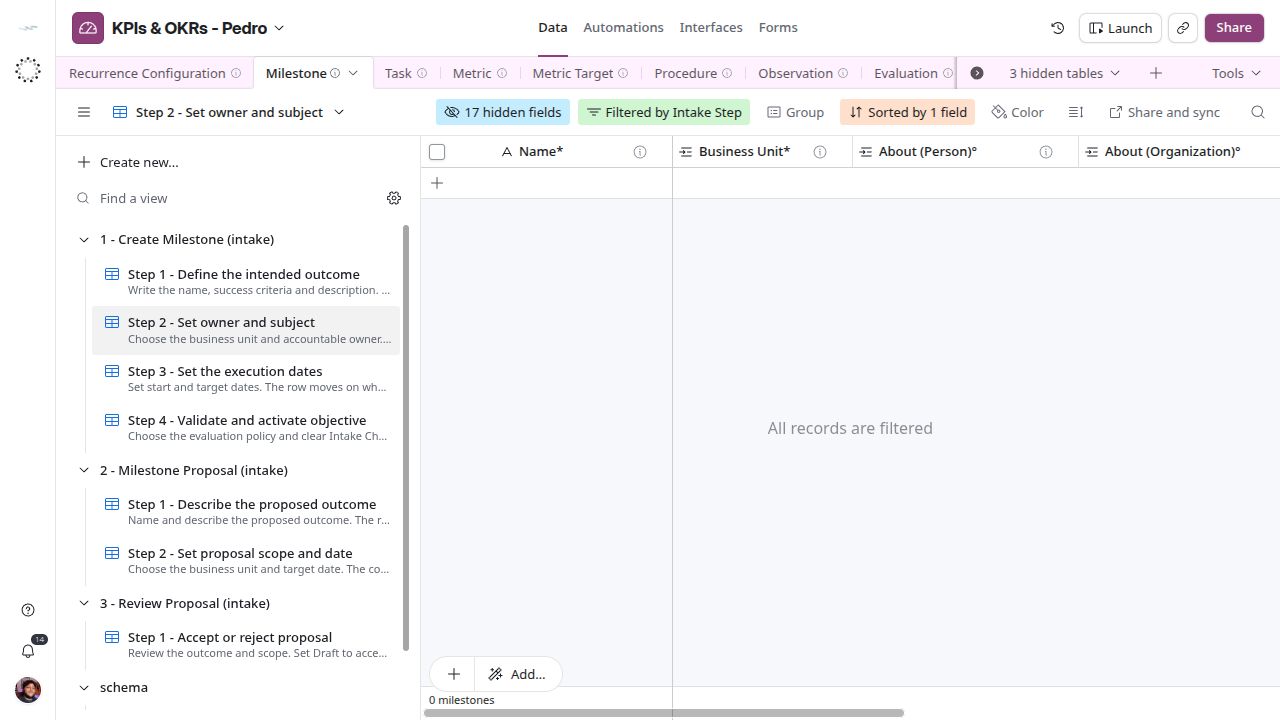
Milestone owner and subject fields.
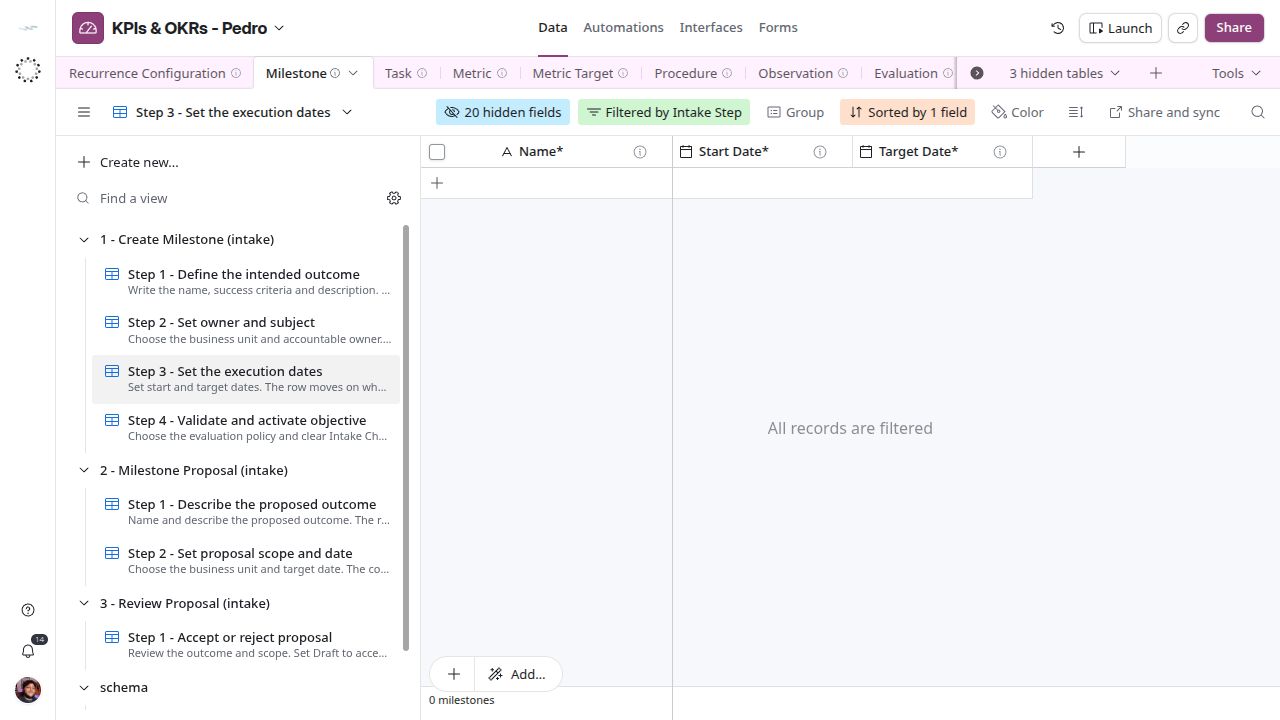
Milestone execution dates.
Validate and activate
In Step 4 - Validate and activate objective, select Evaluation Policy°, clear Intake Check and set Lifecycle Status* to Active. The formula warns about dates, multiple subject categories, an owner outside the business unit and a missing policy. Leaving the queue means its filter no longer matches; it is not proof of permission approval or automatic evaluation.
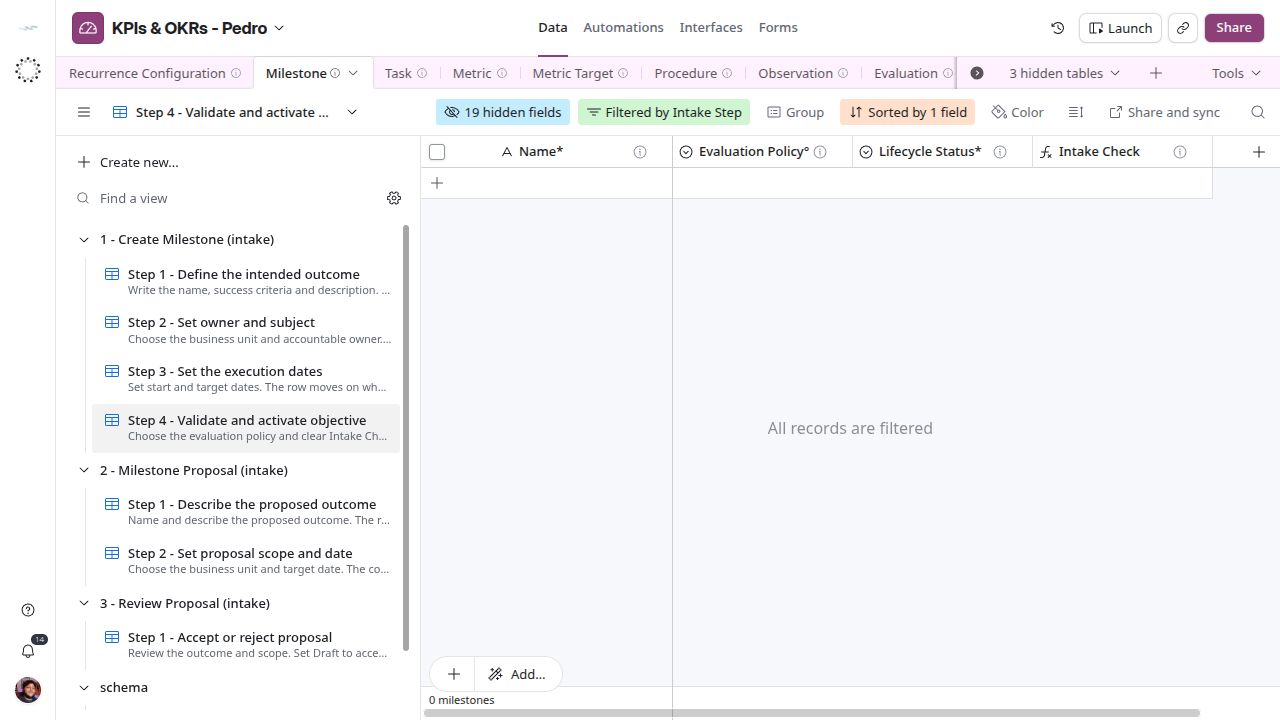
Objective activation and validation queue.
Propose and review
For a proposal, use Lifecycle Status* = Proposed. The two proposal views collect name and description, then business unit and target date. Step 1 - Accept or reject proposal sends an accepted proposal to Draft for full setup; rejection uses Cancelled. Acceptance is not activation.
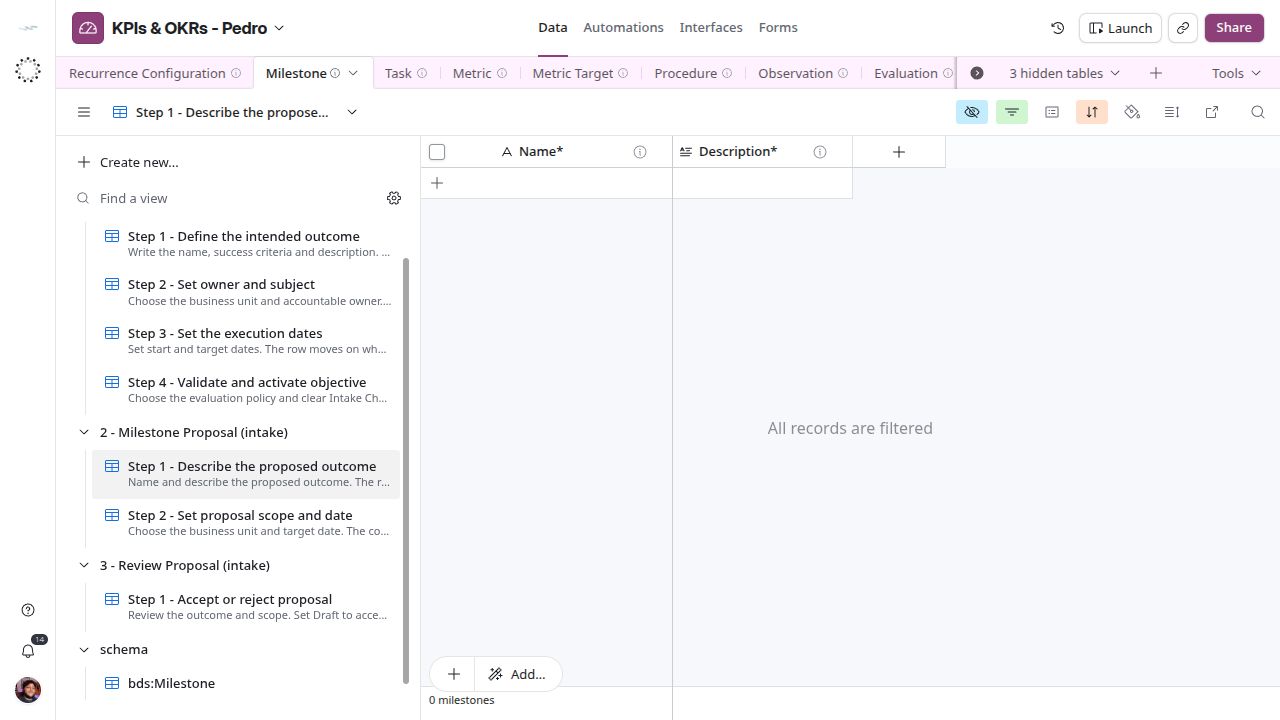
Proposal outcome step.
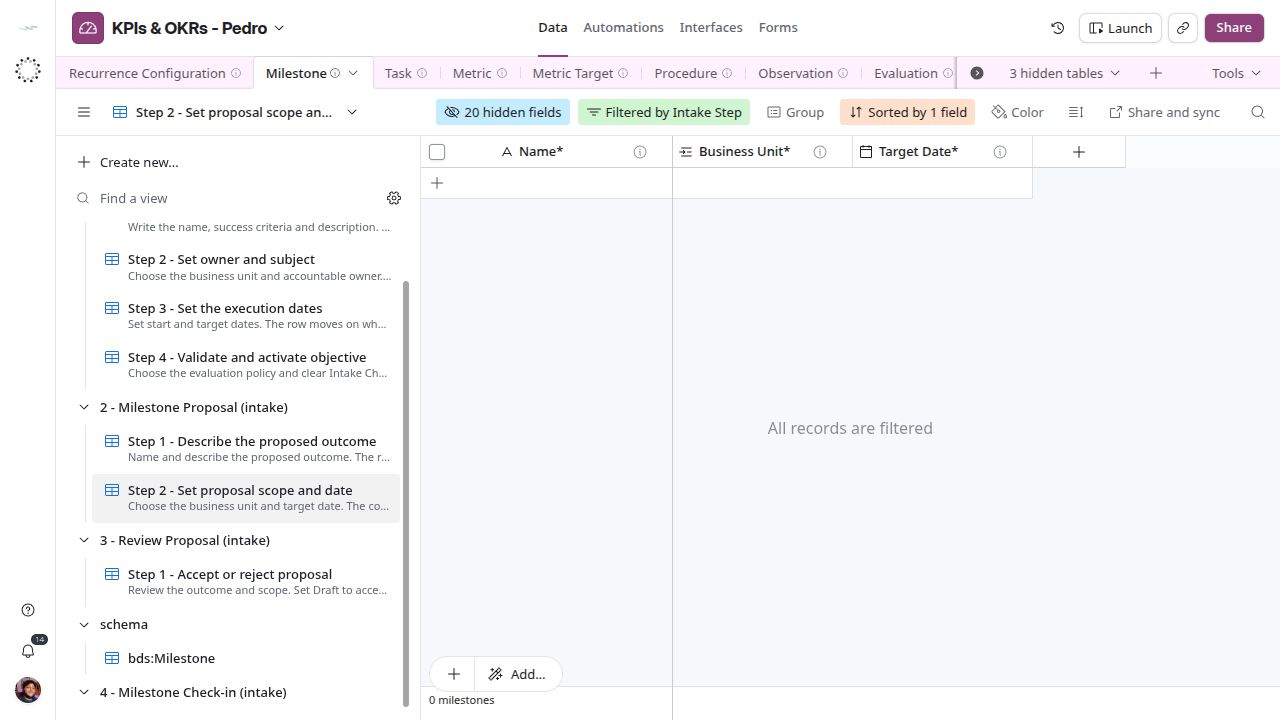
Proposal scope and date step.
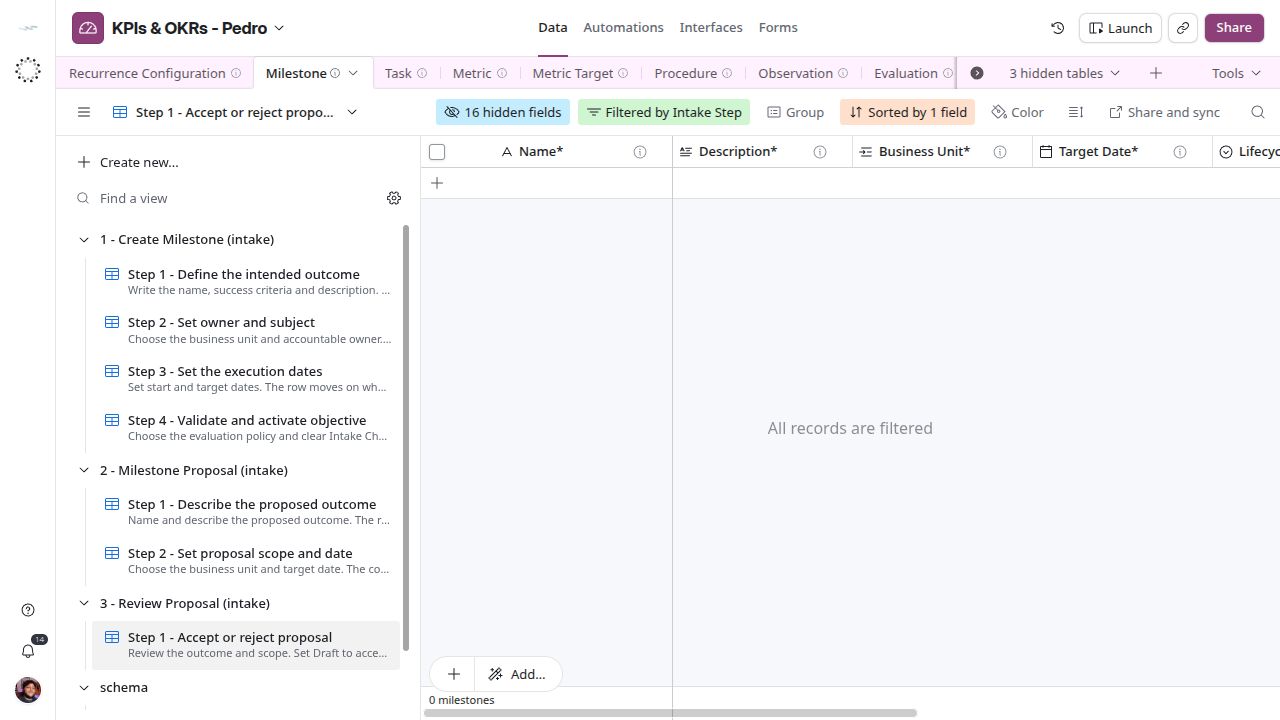
Review queue for accepting or rejecting proposals.
Connect measurable work
The stored relationship is Milestone ← Task → Metric Target → Metric. There is no dedicated Key Result or Cycle table. Use Manage tasks to attach measurable work. The Data view CEO - OKR progress lists milestones as objectives; treating a target as a key result is a business interpretation, not a separate stored entity. Progress is currently an editable number. See Review results before presenting an attainment score.