
Manage campaigns
Check the source campaign, link it on the Deal and count results per campaign.
Since 2026-11-04 the campaign is an attribute of the Deal. Deal.Campaign° links one campaign from the Campaign mirror, and the Interactions of that Deal show it through their Campaign lookup. The Campaign Participation table, its views and the Campaign Attribution Check were deleted that day. There is no separate enrollment step.
Flow
The campaign is checked once at the source and then set on the Deal; contacts and results follow the Deal.
Mermaid source
flowchart TD
  chk["Check - Campaign exceptions<br/><small>Campaign (mirror)</small>"]:::action
  ok{{"Source data complete?"}}:::decision
  core["Fix the campaign in Core"]:::action
  av["Available - Enroll relationships<br/><small>campaigns ready to link</small>"]:::action
  has{{"Person has an open Deal?"}}:::decision
  s1["Step 1 - Say who the client is<br/><small>new Deal at Lead</small>"]:::action
  camp["Set Campaign°<br/><small>Deal</small>"]:::action
  cal[["Cal.com booking<br/><small>does not set Campaign°</small>"]]:::automation
  look[["Interaction.Campaign<br/><small>Airtable lookup through Deal°</small>"]]:::automation
  rep(["Results per campaign<br/><small>Deals by Campaign° and Deal Stage*</small>"]):::outcome
  chk --> ok
  ok -- no --> core --> chk
  ok -- yes --> av --> has
  has -- yes, reuse it --> camp
  has -- no --> s1 --> camp
  cal -. link by hand .-> camp
  camp --> look --> rep
Check the source campaign
Campaign belongs to Core. Complete its objective, audience, accountable company/membership and dates there. In CRM Campaign (mirror), Check - Campaign exceptions lists source problems. Available - Enroll relationships keeps its old name and lists campaigns that are Active, not retired and with a blank CRM Campaign Check; these are the campaigns ready to be linked on Deals. This checks data completeness; it does not verify contact consent, offers, quotas or whether today is inside the campaign dates. The current available queue is empty; no data was fabricated to fill it.
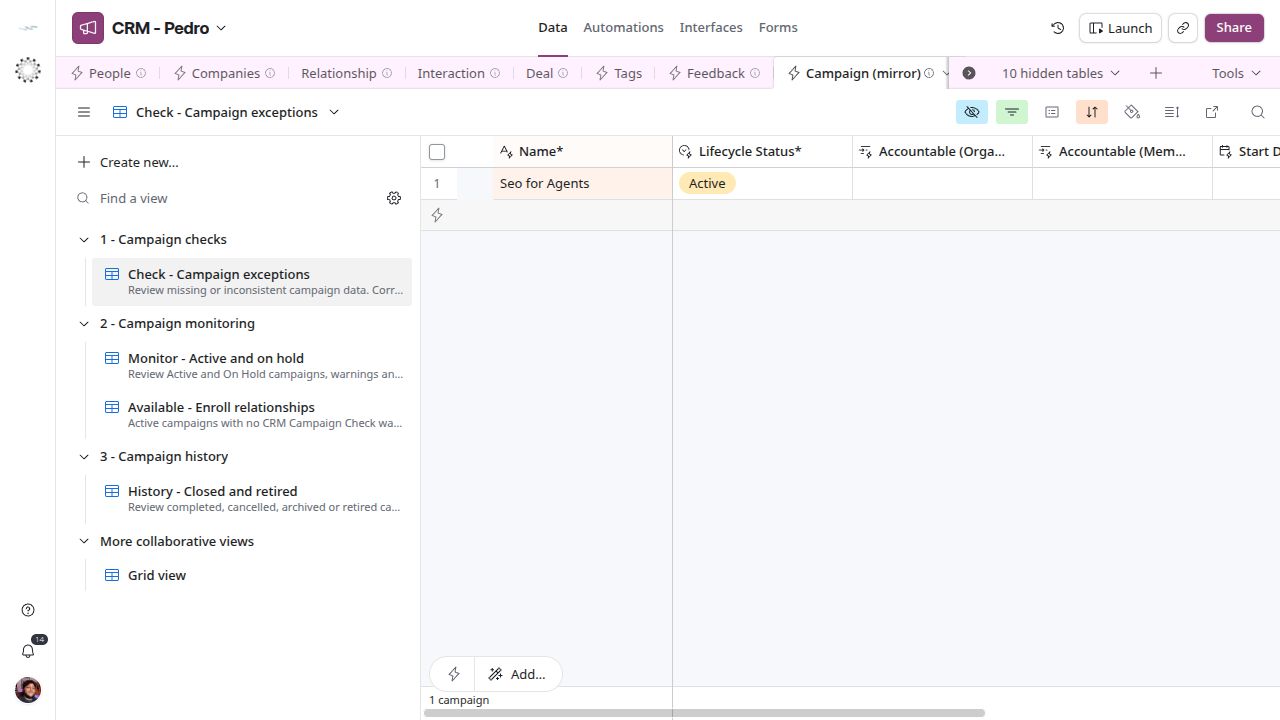
Check the source campaign — current CRM screen.
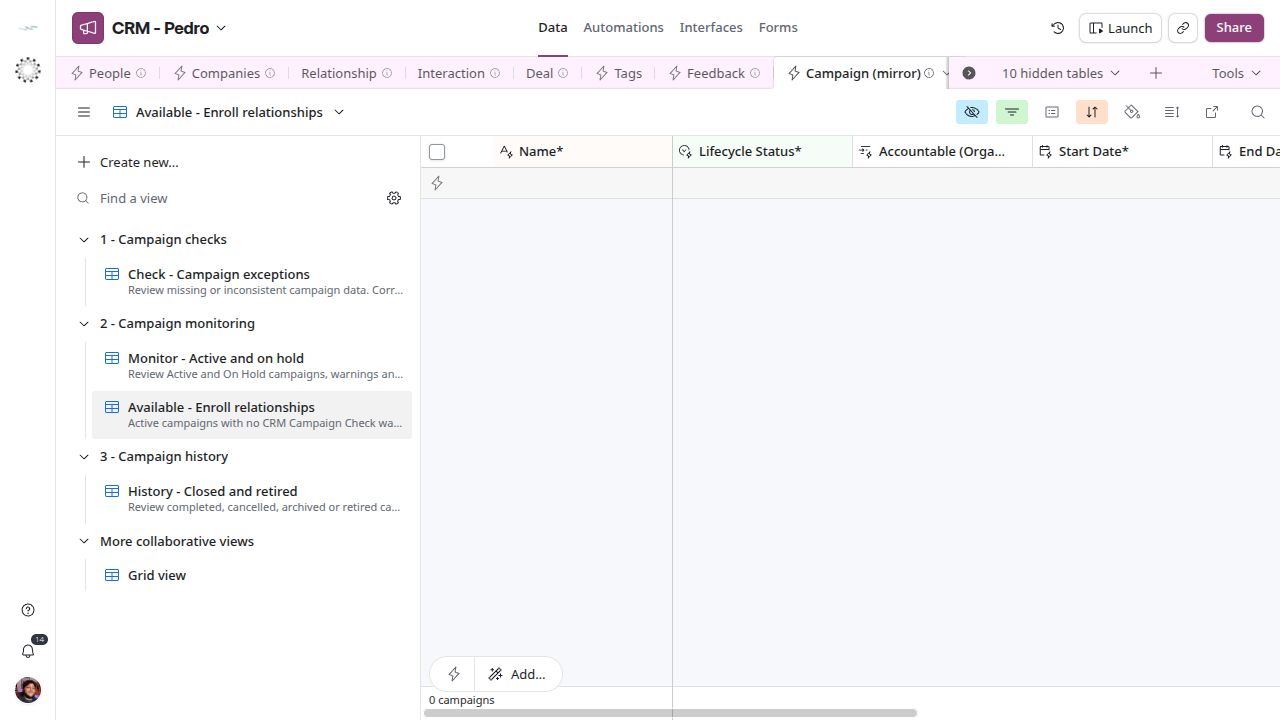
Check the source campaign — current CRM screen.
Link the campaign on the Deal
A lead that came from a campaign is a Deal at stage Lead with Campaign° filled. Search for the person’s open Deal first and reuse it; create a Deal only when there is none. Pick one campaign in Campaign° and leave it empty for a lead that came from no campaign. A missing campaign is created in Core, not in the CRM. Do not infer the campaign from a tag, a campaign name in a note or an old meeting. The Cal.com flow does not set Campaign°, so a booked lead from a campaign needs the link added by hand.
Contacts follow the Deal
Interaction.Campaign is a lookup through Deal°. Log the contact on the right Deal and it shows the Deal’s campaign; there is nothing to set on the Interaction. If an Interaction shows the wrong campaign, fix Campaign° on the Deal or link the right Deal° on the Interaction. Contacts with no Deal stay without a campaign, which is fine for general work.
Report per campaign
The results of a campaign are the Deals linked to it. Deals (Campaign) on the Campaign mirror lists them, and a Deal view grouped by Campaign° and Deal Stage* shows how many are open, Won, Lost or Abandoned. Meetings and contacts per campaign come from Interactions grouped by Campaign. Close a campaign in Core; its Deals keep the link.