
Record actions
Delete asks once and says what goes with the record, undo stays in reach, and validation blocks duplicates without losing what was typed.
When to use
Use it on every screen or form where the person deletes, restores or saves a record, and on every validation message a save can show.
When not to use
Clearing unsaved input in a form is a separate action from deleting a saved record, and it keeps its own confirmation. Intake checks follow intake views.
How it works
Ask once before a delete and say what goes with the record
A delete opens one confirmation. The dialog names the record, says whether the action can be undone, and lists what else is removed or cleaned up with it.
Pass: delete a record in 3 clicks or fewer, confirmation included, and the dialog names the record and what goes with it.
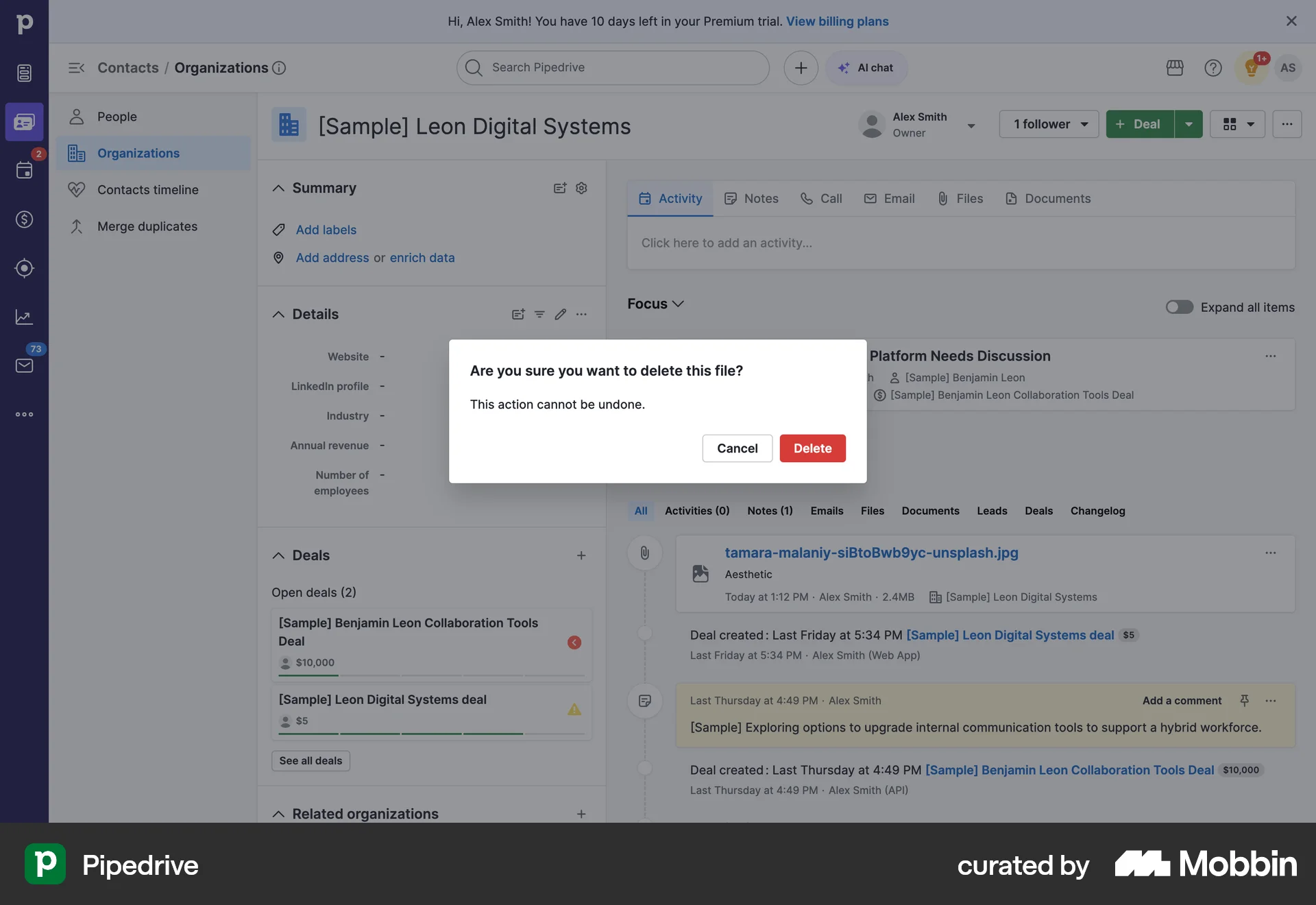
Pipedrive asks: Are you sure you want to delete this file? This action cannot be undone. Cancel sits beside a red Delete.
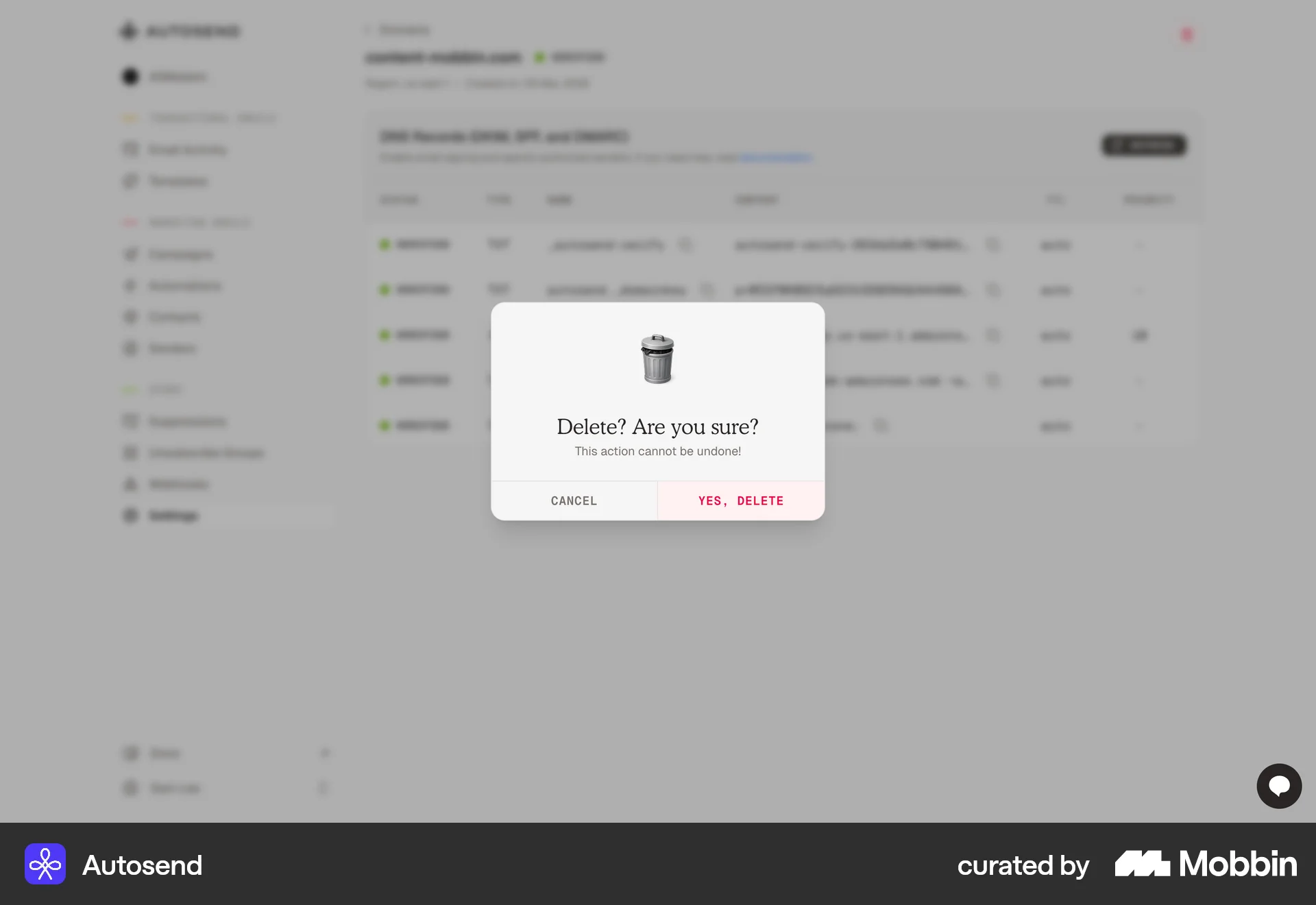
AutoSend asks Delete? Are you sure? and names nothing.
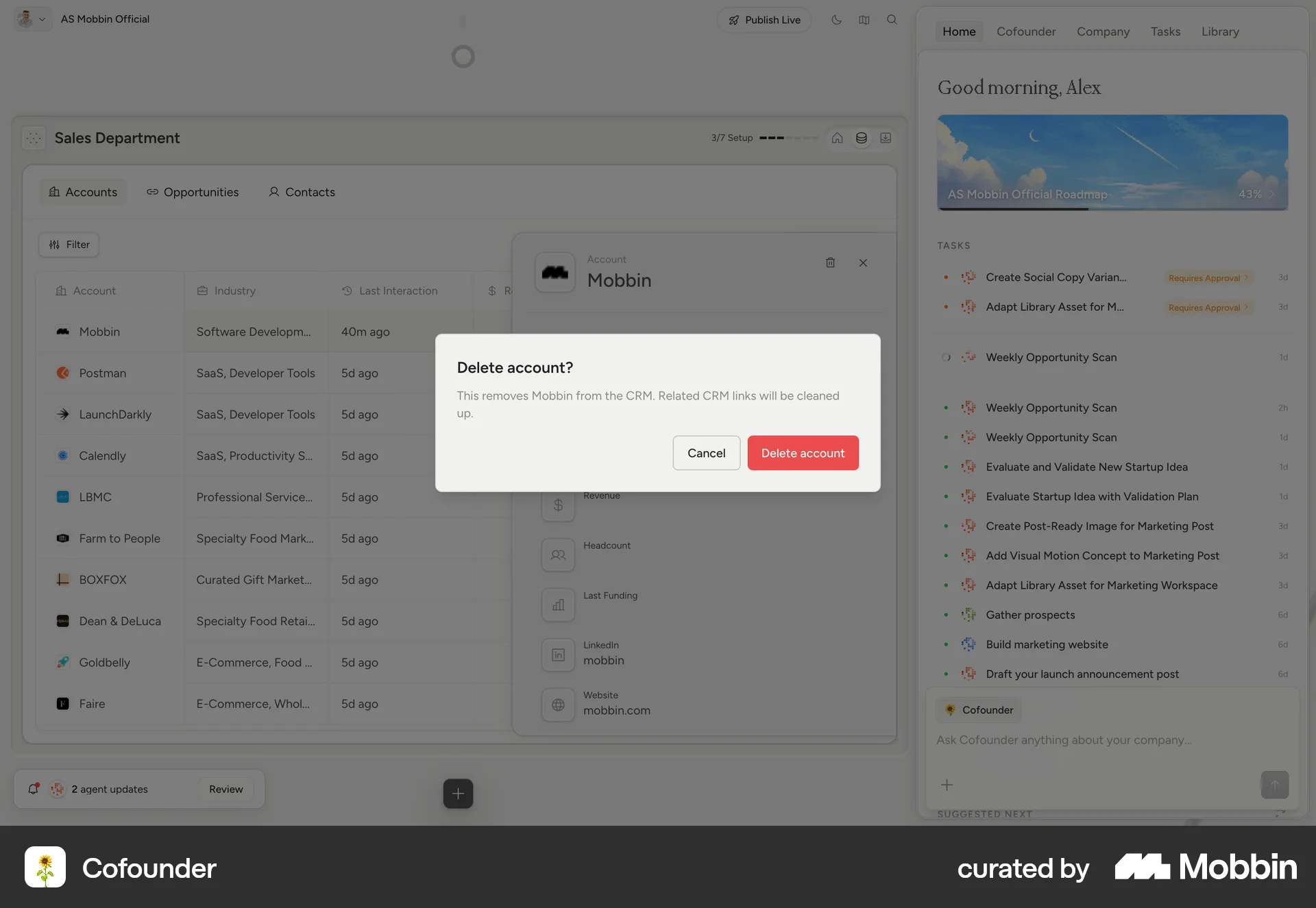
Cofounder says: This removes Mobbin from the CRM. Related CRM links will be cleaned up. The button reads Delete account.
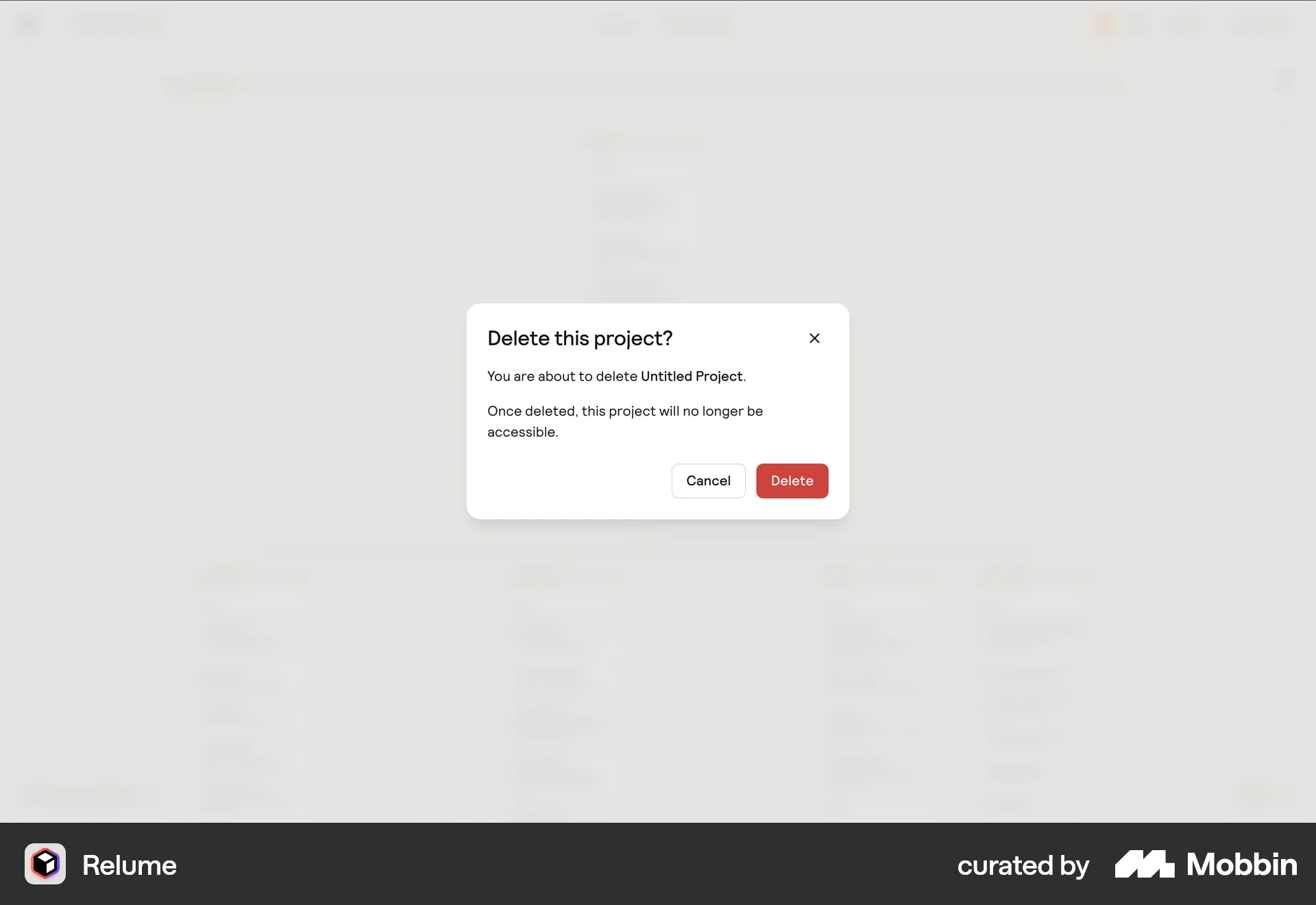
Relume names Untitled Project and says nothing about what goes with it.
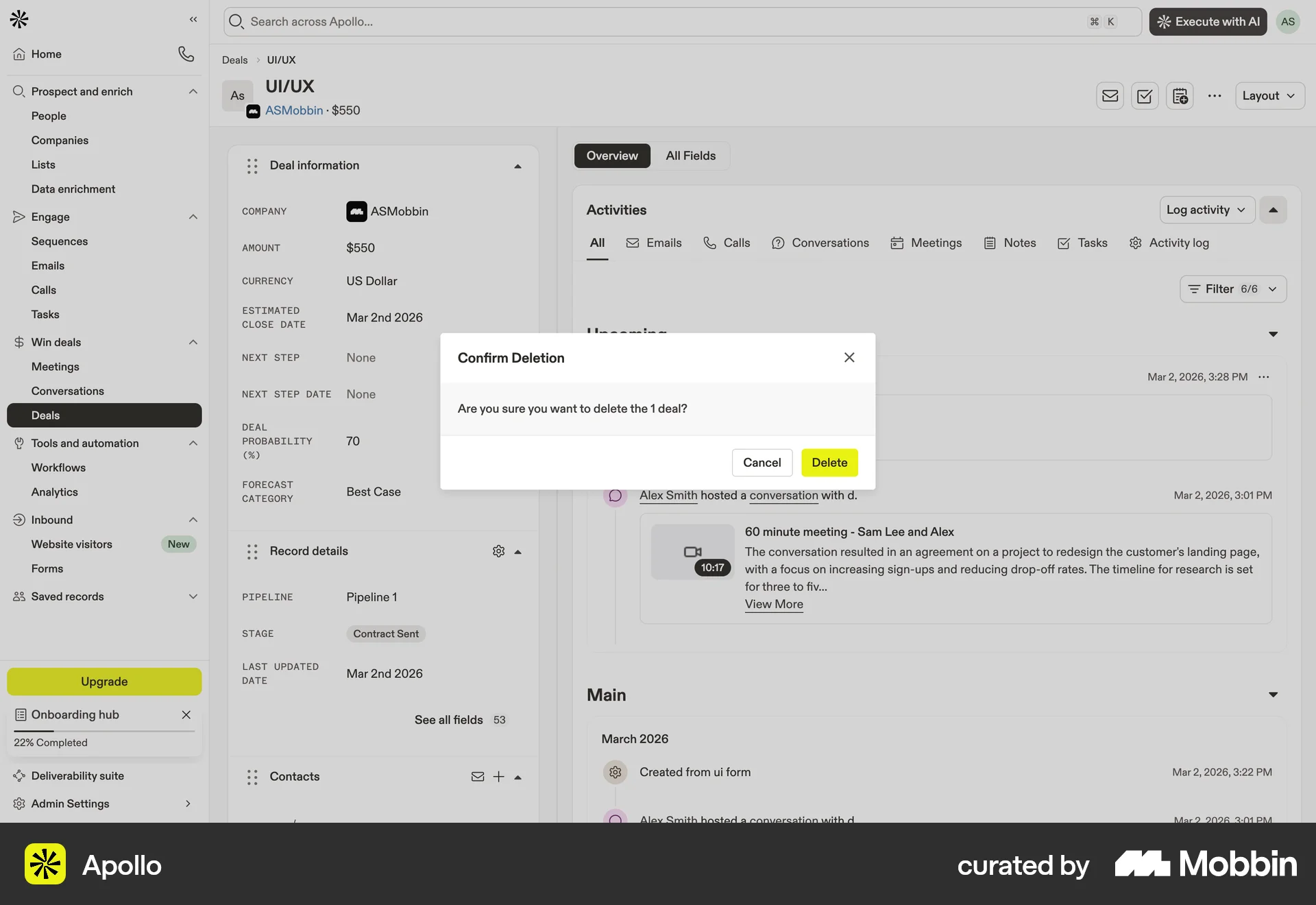
Apollo counts what will go: Are you sure you want to delete the 1 deal?

ZARA asks to remove the selected items without saying how many.
Keep undo visible after a destructive action
When a delete can be reversed, the way back stays on screen after the delete. A product that deletes permanently is never the model for a route that can undo.
Pass: after a delete, the person restores the record from the same screen without opening settings or a trash page.
Make the scope of a destructive action explicit
Deleting a record and deleting a stack, a view or a group are different actions with different labels. Each one says what it removes.
Pass: in every action menu, the label of each destructive item names the thing it deletes, as in Delete record or Delete stack.
- Replace this
- Delete
- With this
- Delete record
Block a duplicate key when it is entered
When the person types a value that already belongs to another record, the form says so before the save goes through and points to the existing record. For a person the key is the email, and for an organization it is the domain. These are the duplicate keys of Core.
Pass: type an email that another person already has; the form blocks the save, names the existing record, and keeps every value typed.
Keep what the person typed when a save fails
An error message sits beside the field it is about, and every value the person entered stays in the form.
Pass: trigger each validation error on a form; after each one, every field still holds what was typed.
Require one of a set without marking each field required
When a form needs at least one of several fields, say that once, above the fields. Marking every field in the set as required tells the person something false.
Pass: a form that needs one of a set saves with any single field of the set filled, and no field in the set carries a required marker.
- Replace this
- Email*, Phone*, LinkedIn*
- With this
- Fill at least one: Email°, Phone°, LinkedIn°
Research
The delete rule copies three dialogs. Pipedrive’s says “Are you sure you want to delete this file? This action cannot be undone.” with Cancel and a red Delete. Cofounder’s says “Delete account? This removes Mobbin from the CRM. Related CRM links will be cleaned up.” with Cancel and Delete account. Apollo’s says “Confirm Deletion. Are you sure you want to delete the 1 deal?” with Cancel and Delete. The reviewer’s CRM usability comparison (2026-09-29/30) asks to “Add a record-level Delete action with confirmation, copying Attio; delete in 3 clicks or fewer.” (comparison, line 117). Its delete count is 3 clicks in Attio (comparison, line 23), and its record actions table compares delete and recovery across products (comparison, lines 2646 to 2666).
The other five rules have no screenshot and rest on the comparison. For undo, our CRM’s undo was tested, while Attio and folk delete permanently (comparison, line 1693). The comparison asks to “Keep the visible Undo route; do not replace it with permanent deletion merely to match another product.” (comparison, line 1699).
For scope, the comparison asks to “Keep destructive scope explicit.” with “Pass: deleting records is distinct from Delete stack and recovery remains visible.” (comparison, line 2663).
On duplicates, the comparison finds Attio blocking a duplicate email on save, while folk saved a duplicate name (comparison, line 1544). It asks to “Block duplicate email.”, copying Attio’s warning, retaining input and keeping Email optional (comparison, line 1551). The same rule holds in our model, where email is the duplicate key of a Core person and domain the duplicate key of an organization. The comparison keeps Email optional, while Core needs the key to find a duplicate, so that point is open.
For errors, the comparison asks to “preserve input on errors” when person creation is unified (comparison, line 1483), and to copy folk’s named errors into validation summaries (comparison, line 865).
The one-of-a-set rule comes from the comparison’s request to “Require at least one of the five input fields, rather than falsely marking every field individually required.” (comparison, line 1823). Our required markers cannot express this case, so the marker on each field of the set is ° and the requirement is stated once above them.