# Manage deals
Propose an offer, assign the seller, forecast a decision and record the outcome.
## Flow
A Deal walks the four intake steps in order; it leaves Step 3 once the proposal data is in and leaves the intake when it closes.
```mermaid
flowchart TD
dir["Directory
People and Companies: find or add the client"]:::action
cal[["Cal.com booking
creates the Deal at Meeting Scheduled"]]:::automation
s1["Step 1 - Say who the client is
Deal: Company°, People°, Source°"]:::action
s2["Step 2 - Set who is accountable
Accountable (Company)*, Accountable (Person)*"]:::action
s4["Step 4 - Advance or close the deal
update Deal Stage*"]:::action
miss{{"Proposal Sent or Negotiation
with proposal data missing?"}}:::decision
s3["Step 3 - Complete the proposal
Product*, Value*, Expected Close Date*"]:::action
chk["Check - Deal exceptions
resolve Deal Check"]:::action
closed{{"Closed?"}}:::decision
won(["Won
Product*, Value*, Expected Close Date* filled"]):::outcome
lost(["Lost or Abandoned
reason in Notes°"]):::outcome
dir --> s1 --> s2 --> s4
cal -.-> s4
s4 --> miss
miss -- yes --> s3 --> s4
miss -- no --> chk --> closed
closed -- not yet --> s4
closed -- Won --> won
closed -- Lost / Abandoned --> lost
```
## Find or add the client
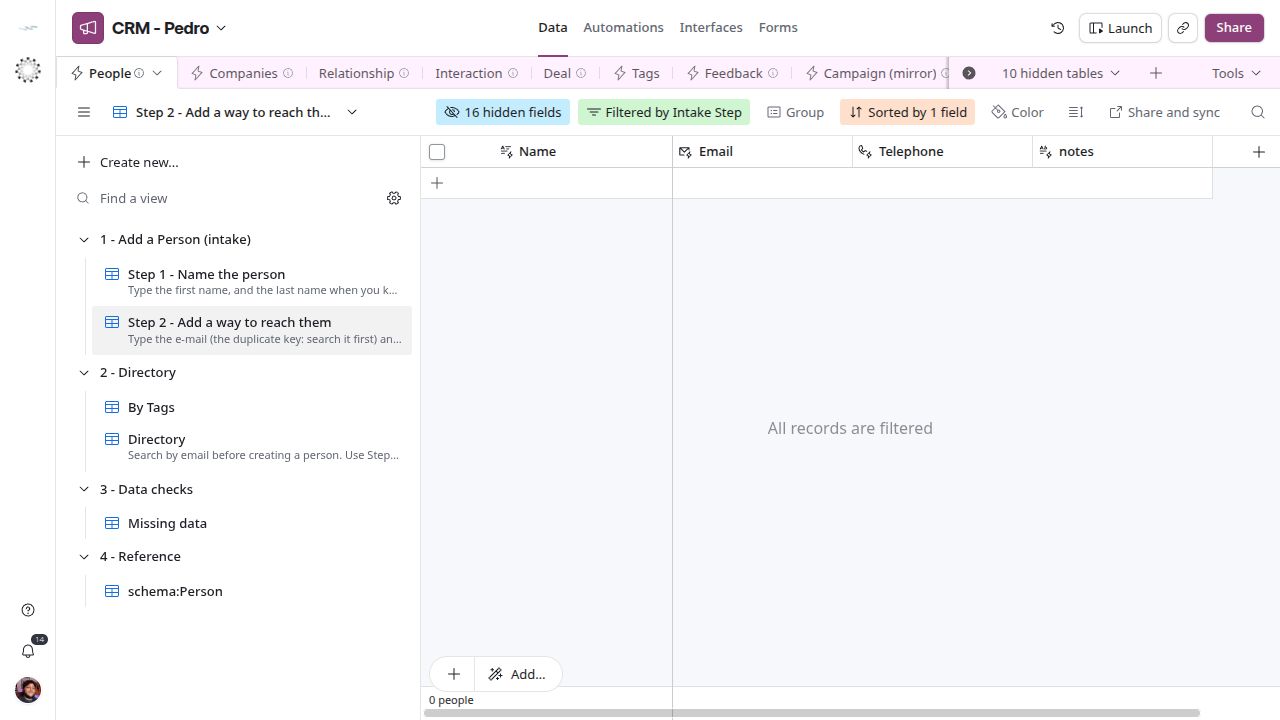
In Data, search People → Directory by email and Companies → Directory by website before adding. People has Step 1 - Name the person and Step 2 - Add a way to reach them; Companies has Step 1 - Name the company and its site. These views expose identity inputs; do not count on sync write-back or automatic duplicate rejection. If the mirror is read-only, ask the Core maintainer to create or correct the identity at the source and wait for it to appear. Do not create a second identity to bypass sync latency.
[](/systems/crm/screens/people-step-2.png)
*People intake: add email and contact details.*
## Say who the client is
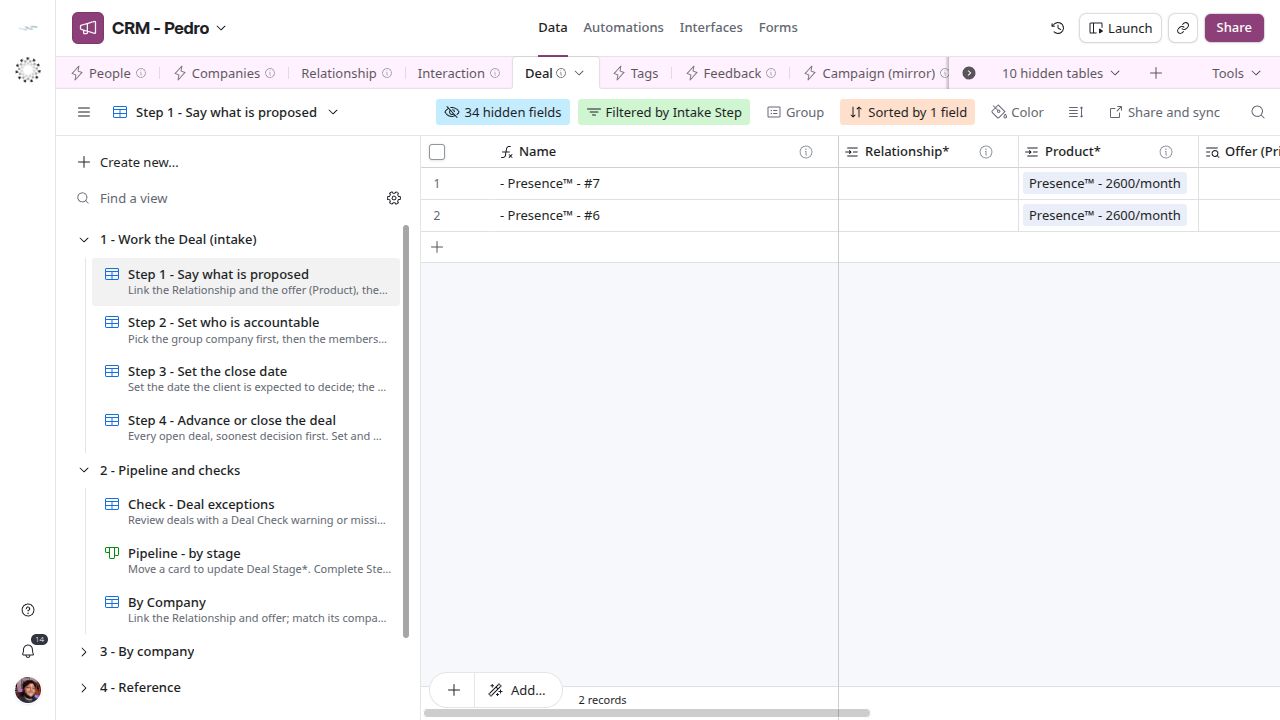
A lead is a Deal at Deal Stage* = Lead. Open Data → Deal → Step 1 - Say who the client is; this view holds open Deals without a client, newest first. Create or complete the row, link the client in Company°, People° or both, set Source° to say how the lead came in, and add context in Notes°. A new lead starts at Lead. Product*, Value* and Expected Close Date* can wait until Proposal Sent. To work the open leads afterwards, use Deal → Leads (Lead, Contacted and Meeting Scheduled, newest first) or Deal → By Creator.
[](/systems/crm/screens/deal-step-1.png)
*Say who the client is — CRM screen.*
## Assign accountability
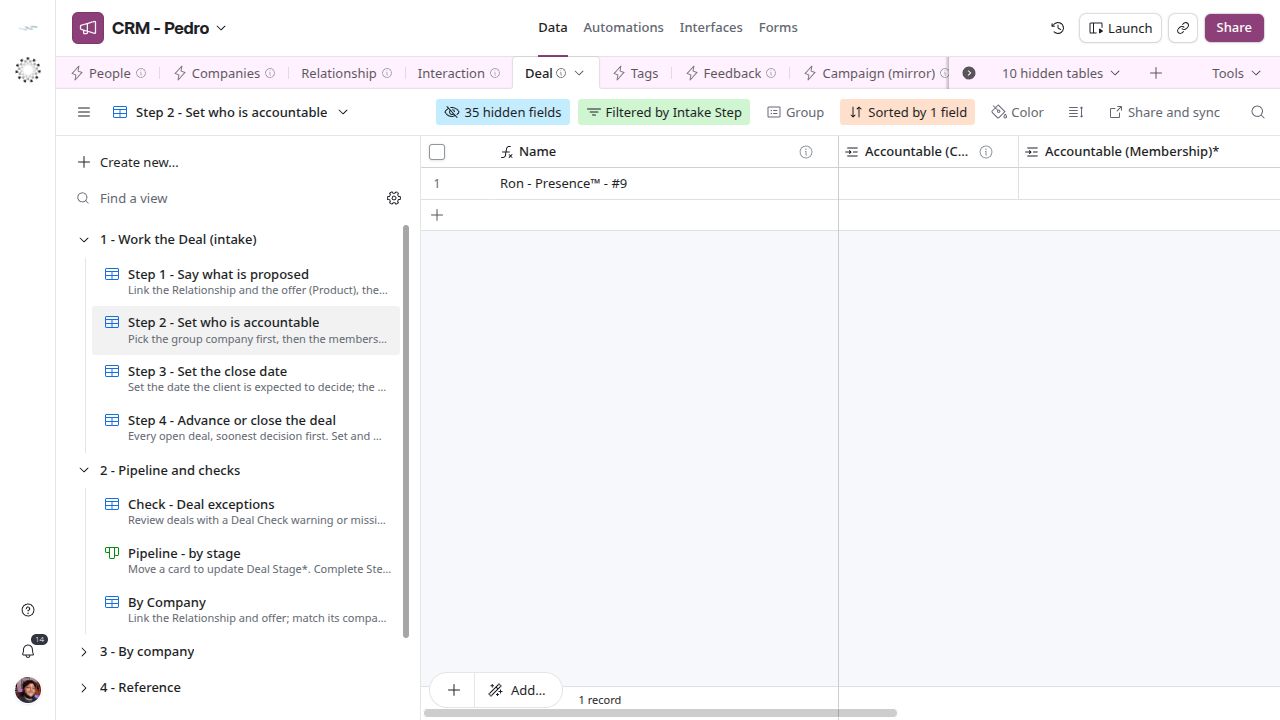
Step 2 - Set who is accountable requires Accountable (Company)* and Accountable (Person)*. The person must hold a membership in the accountable company. Complete both links in this grid step. Resolve Deal Check if the pair disagrees.
[](/systems/crm/screens/deal-step-2.png)
*Assign accountability — current CRM screen.*
## Complete the proposal
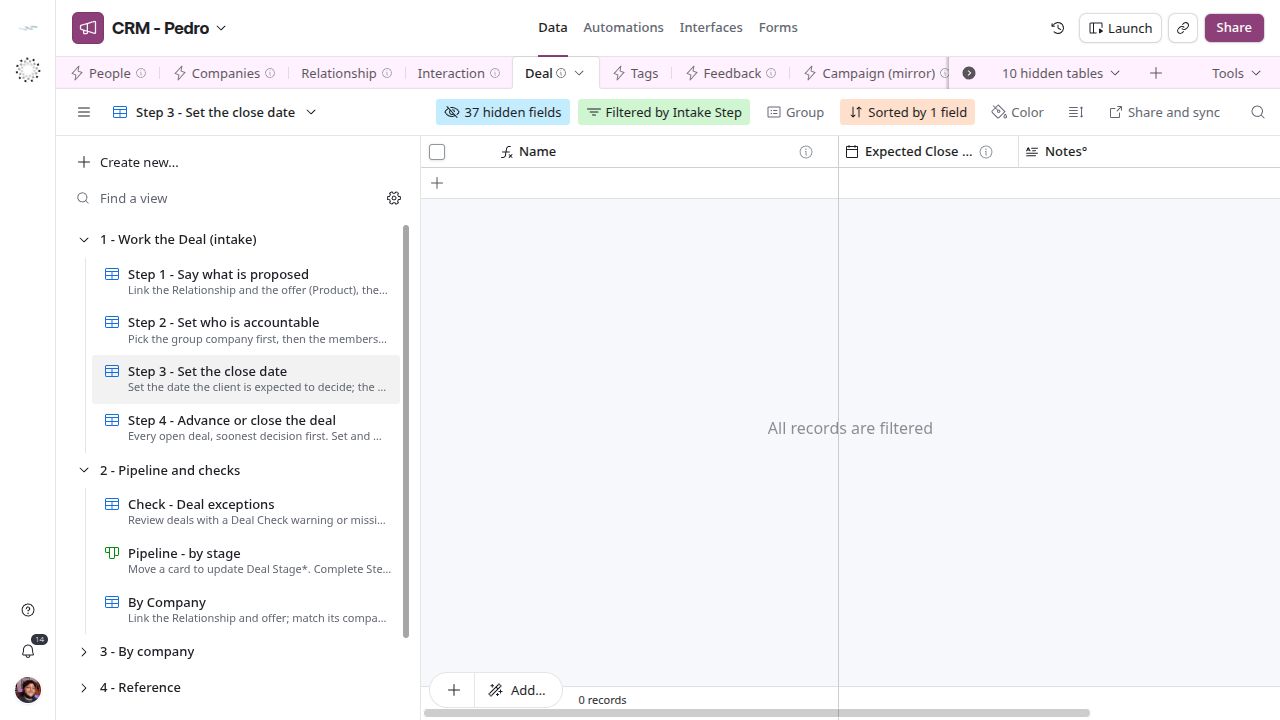
Step 3 - Complete the proposal holds Deals at Proposal Sent or Negotiation that still lack Product*, Value* or Expected Close Date*. Link the offer in Product*, type the monthly value in Value* and the expected decision date in Expected Close Date*. When you select Product*, compare Offer (Price) with your negotiated Value*; read the linked Offer in Offer (mirror) → Grid view to check currency, unit, validity and seller. A proposal can have a different value without changing the shared offer. Use the date you expect a decision, not a fabricated completion date. Revise it when the forecast changes. Record negotiation context in Notes°.
[](/systems/crm/screens/deal-step-3.png)
*Complete the proposal — CRM screen.*
## Advance and close
Step 4 - Advance or close the deal holds complete open Deals, leads included. Update Deal Stage* as the conversation advances and resolve Deal Check. For campaign work, check that Campaign° holds the right campaign before closing; no check infers a missing campaign link. Open the deal to log a meeting or add the next task. Won, Lost and Abandoned leave the intake; a disqualified lead is Lost, with the reason in Notes°. A Won Deal needs Product*, Value* and Expected Close Date*. No automation creates billing records. Pipeline - by stage shows the same Deals as cards per Deal Stage*, and Check - Deal exceptions lists any Deal with a Deal Check warning or missing data.
[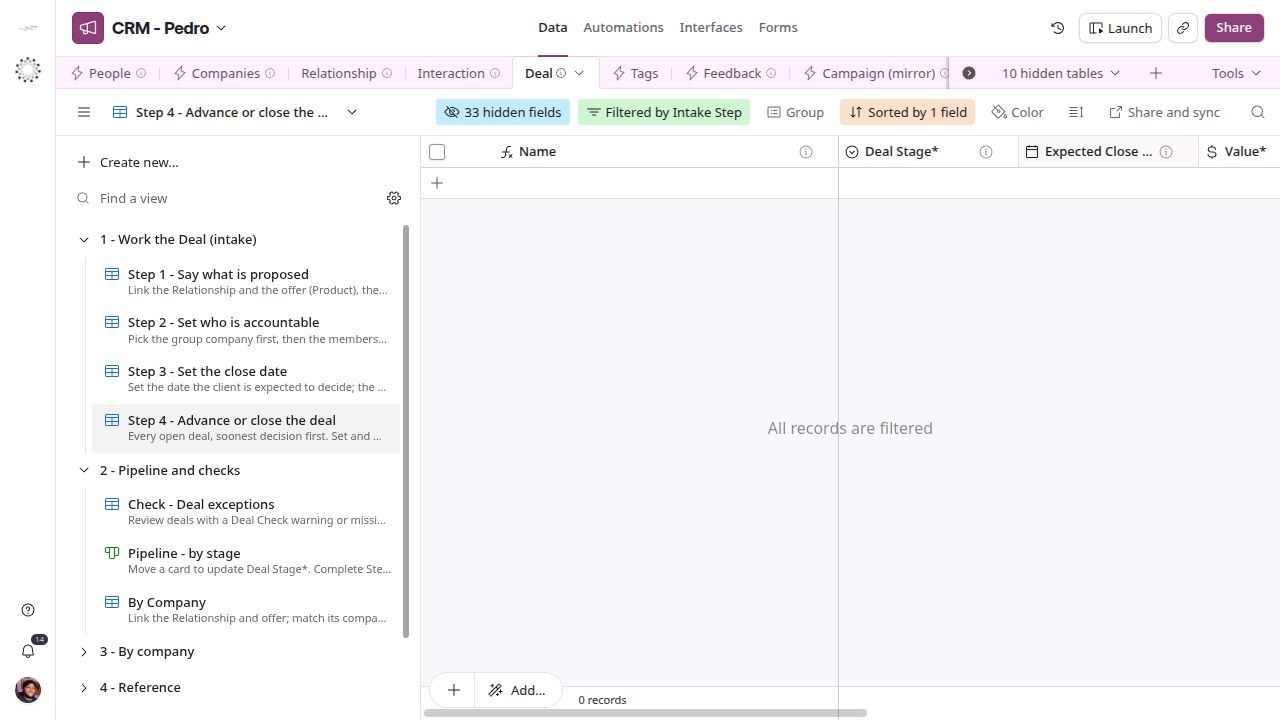](/systems/crm/screens/deal-step-4.png)
*Advance and close — current CRM screen.*
## Next steps
[Entity reference](/systems/crm/entities) · [Troubleshooting](/systems/crm/troubleshooting)