# Log contact
Record conversations and meetings, then maintain the next action.
## Flow
Every contact becomes one Interaction, a meeting also gets its outcome, and the agreed next step ends up as a task.
```mermaid
flowchart TD
man["New manual contact
add a row"]:::action
cal[["Cal.com booking
creates or moves the Interaction"]]:::automation
c1["Check 1 - Complete event data
People°, Company°, Deal°, Date*, Title*, Type"]:::action
meet{{"Is it a meeting?"}}:::decision
c2["Check 2 - Upcoming meetings
prepare"]:::action
c3["Check 3 - Record meeting outcome
Result on the same row"]:::action
next["Add or update the task
Tasks"]:::action
due["Overdue and Upcoming
Tasks"]:::action
done(["Contact logged
next action due in Tasks"]):::outcome
man --> c1
cal -.-> c1
c1 --> meet
meet -- yes --> c2 --> c3 --> next
meet -- no --> next
next --> due --> done
```
## Record the contact
Open Data → Interaction → Check 1 - Complete event data. For a new manual contact, add a row in the grid. For an existing Cal.com booking, find and update the original row. Link the guest in People°, the company in Company° and the Deal in Deal°. Fill Date*, Title*, Type and the accountable company/membership; record Result when known, plus Note and relevant evidence. Set Next Contact Date° and Next Action° when agreed. Use Grid view to find a row that has left a filtered check.
## Complete event data
Interaction → Check 1 - Complete event data lists incomplete events. Fill People°, Company° or Deal°, Date*, Title*, Type, Result and the accountable company/membership. Review Health check. Date* uses the client timezone; confirm the displayed timezone when comparing a Cal.com booking.
[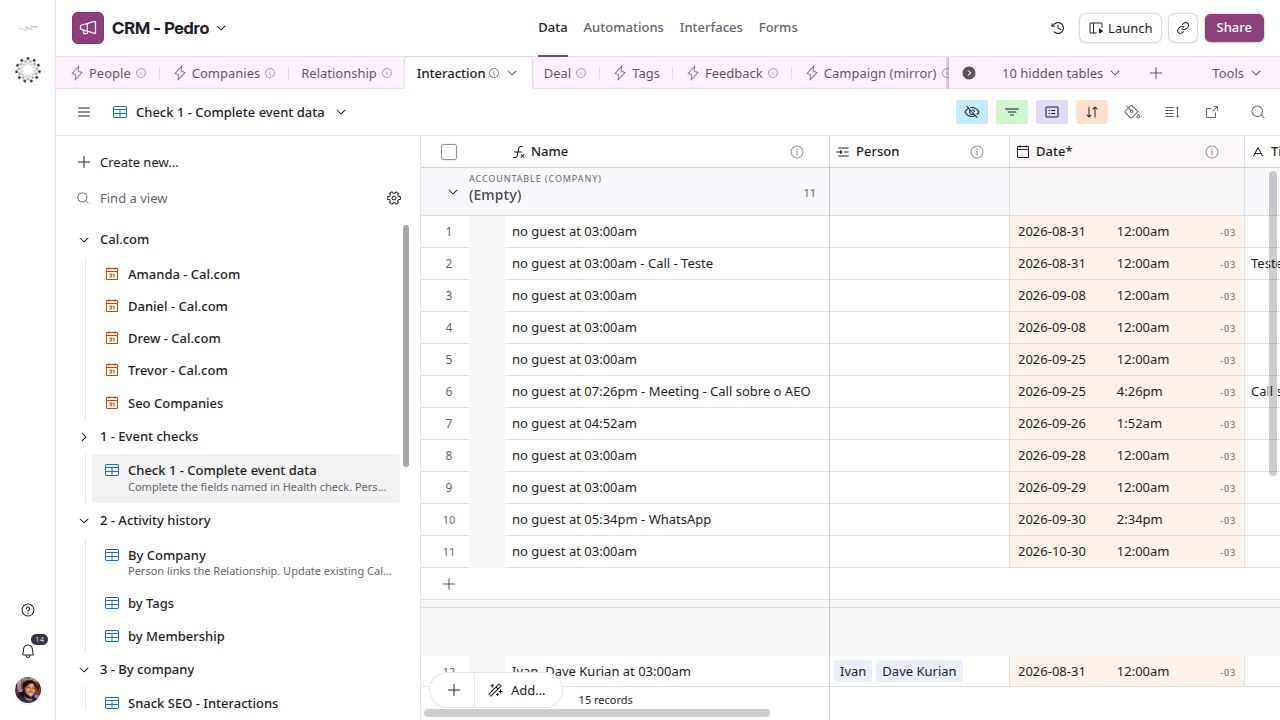](/systems/crm/screens/event-check-1.png)
*Complete event data — current CRM screen.*
## Review the meeting outcome
Check 2 - Upcoming meetings shows booked meetings to prepare. Check 3 - Record meeting outcome shows meetings needing an outcome. Update the existing event rather than creating a second meeting. Meeting cancelled records cancellation; Answered, No answer, Proposal requested or Not interested describe what happened. Attach evidence only when relevant to the contact.
[](/systems/crm/screens/event-check-2.png)
*Review the meeting outcome — current CRM screen.*
[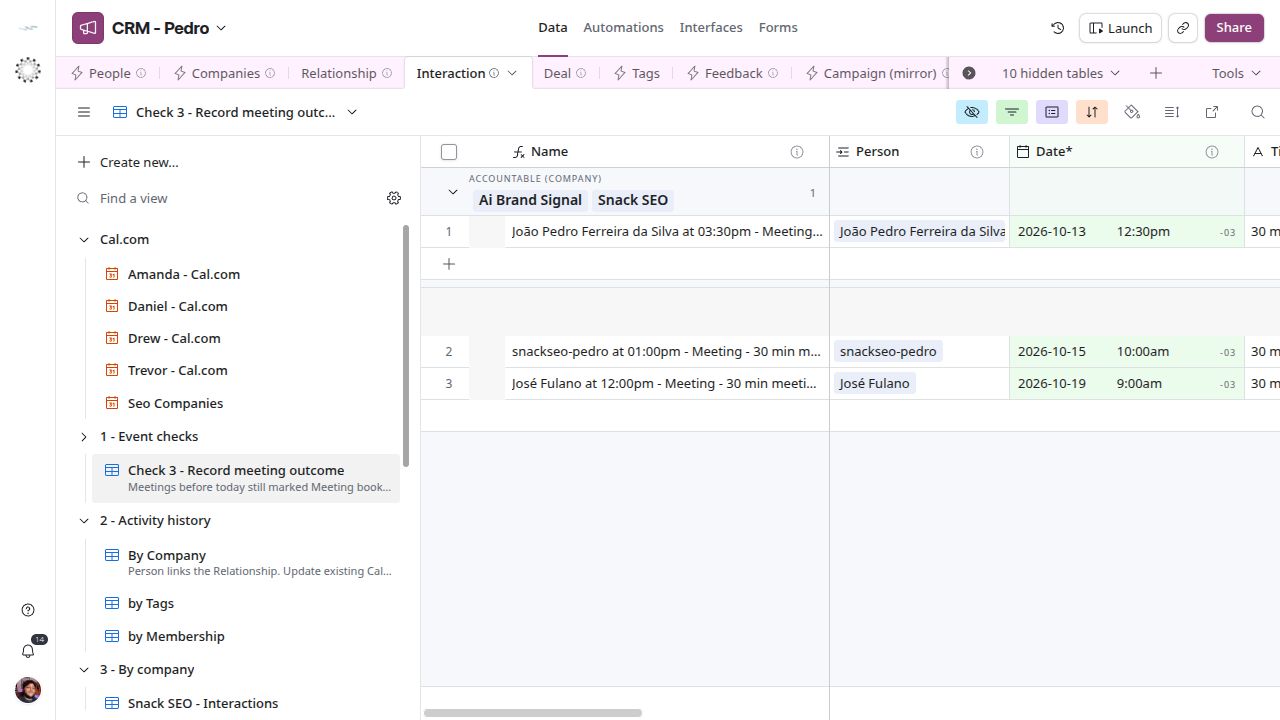](/systems/crm/screens/event-check-3.png)
*Review the meeting outcome — current CRM screen.*
## Record the next action
The next action of a sale lives in [Tasks](/systems/crm/entity-task). For a manual contact, add or update the task there. Next Contact Date° and Next Action° on Interaction do not copy themselves to any other table. Cal.com writes them on the Interaction when a booking changes. Review due work in Tasks → Overdue and Upcoming. Interaction calendars show events; they do not replace that list. Confirm the intended record, date and owner.
## Next steps
[Entity reference](/systems/crm/entities) · [Troubleshooting](/systems/crm/troubleshooting)